
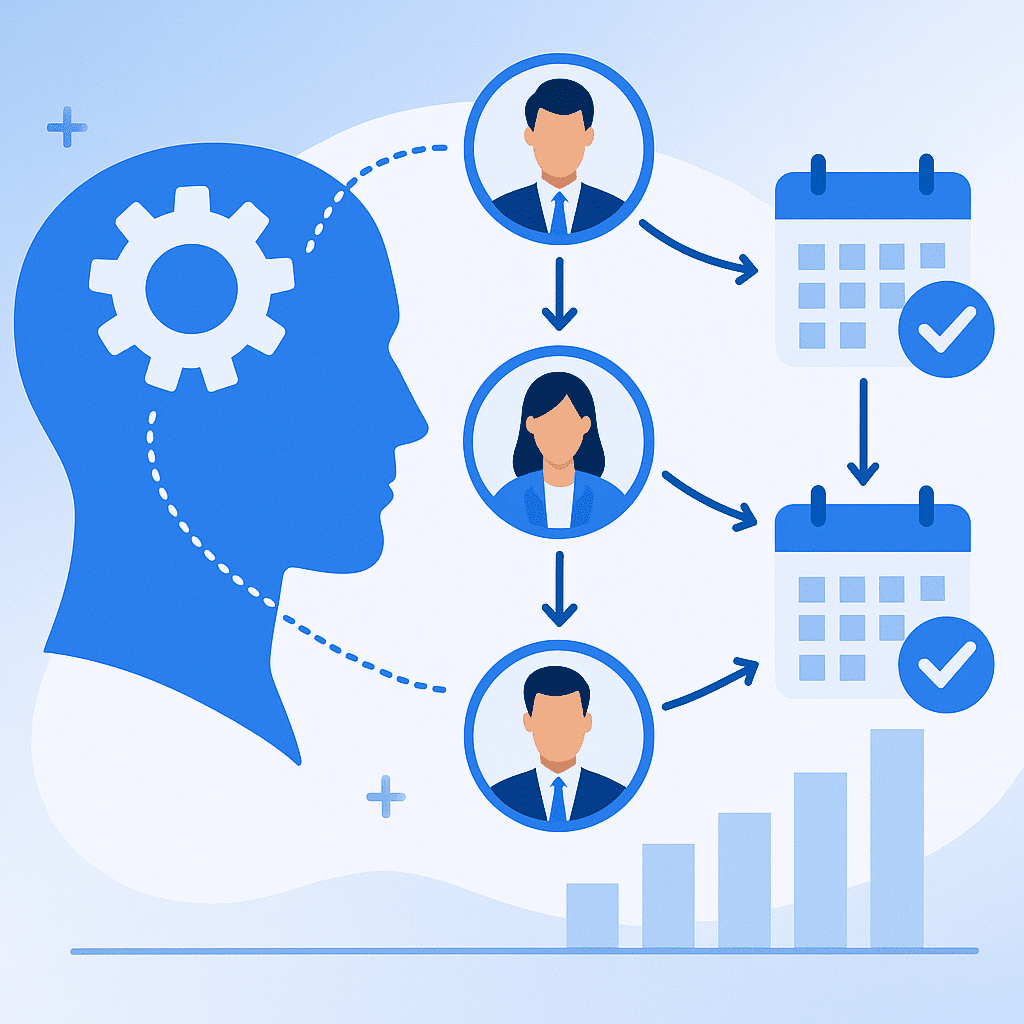
If your best closer is stuck on low‑value discovery calls while an inexperienced rep handles your biggest leads, you are leaving money on the table.
Skill based lead routing for appointments is how high‑performing teams ensure every lead meets the right person at the right time, with the right expertise. Table of Contents
- Map Skill Based Lead Routing
- Use Skill Based Lead Routing
- Combine Skill Based Lead Routing
- Continuously Optimize Routing Rules
- Align People, Processes,
- Conclusion: Turn Skill Based Lead Routing
Key Takeaways What you will learn
- Why it matters How to design a skill taxonomy for your team Makes routing rules accurate, scalable, and measurable How to align skill based lead routing for appointments with your buyer journey Ensures each lead speaks to the right expert at the right stage How to prioritize high‑value and high‑intent leads Maximizes revenue impact from limited human capacity How to combine routing with online scheduling tools Reduces friction, no‑shows, and manual coordination Lead attribute Segment example Primary skill required Employee count > 500: Enterprise Enterprise AE, security expertise
- Industry = Healthcare Regulated vertical Compliance and HIPAA knowledge
- Country = Spain or Mexico LATAM Spanish‑speaking AE
- Self‑serve freemium user Product‑led Onboarding specialist Pro tip: Start with 3–5 high‑impact segments that clearly need different skills. You can refine and add nuance later once you have data.# 2. Map Skill Based Lead Routing
for Appointments to Your Buyer Journey Skill based lead routing for appointments becomes powerful when it matches how your buyers actually move from interest to purchase. Instead of thinking only in terms of “demo requests,” map your full buyer journey and identify which skills matter at each stage. Align routing with key stages
in the funnel Typical B2B journey stages include:
Initial interest / marketing response
Discovery and qualification
Deep technical demo or solutioning
Commercial negotiation and closing
Onboarding and implementation
Expansion or upsell
Each stage may benefit from different expertise:
Early stage: Fast‑response SDRs specialized in qualification
Mid‑stage: AEs with vertical or use case specialization
Technical stage: Solution engineers or product specialists
Post‑sale: Customer success managers or implementation leads
Example: Routing by stage and skill Funnel stage Lead trigger Routed to Key skills Discovery First demo request SDR Speed to lead, qualification Solution fit Qualified opportunity AE (by vertical): Industry expertise, storytelling
Technical validation Security/integration questions Solutions engineer Technical depth
Handoff Signed contract Onboarding specialist Training, implementation Pro tip: In your CRM or scheduling tool, tag both the lead stage and the assigned skill. This makes it easier to analyze conversion rates by skill and stage later. Use different routing rules
for new vs. existing customers New prospects and existing customers often need different skills.
New prospects: Discovery, demo, objection handling, competitive positioning
Existing customers: Adoption, expansion, support, success planning
In many teams, routing is still “round robin by availability,” which ignores context.
Instead, consider rules such as:
New demo from a strategic account → Senior AE with that industry expertise
Expansion request from current customer → Assigned CSM or account manager
Technical question leading to a call → Specialist queue for solution engineers
Pro tip: Ensure your routing system can recognize current customers via email domain or CRM ID, and send them directly to their owner or account team without creating a new lead record.# 3. Use Skill Based Lead Routing
for Appointments to Prioritize Revenue, Not Just Fairness Many organizations design lead routing to feel “fair” for reps. But if fairness conflicts with revenue impact, revenue should win. Skill based lead routing for appointments allows you to balance fairness with strategic prioritization. Move beyond simple round robin Round robin assumes all reps are identical
and all leads are equal. In reality, your team has:
Top performers who are better with complex or high‑value deals
New hires who need simpler conversations to ramp up
Specialists who shine with certain industries or products
Comparison: Round robin vs. skill‑based routing Dimension Simple round robin Skill based lead routing Assignment logic Next available rep Best‑fit rep by skill and segment Impact on revenue Often random Optimized for conversion and deal size Time to value Faster to set up Higher complexity but greater ROI Rep development Limited Allows controlled routing for ramping reps Customer experience Inconsistent Tailored to lead needs
Pro tip: Use a hybrid model: protect a portion of your premium leads for your top specialists, while using round robin within skill groups to maintain balance and morale. Prioritize by value, intent,
and timing Not every appointment is equally valuable. Use routing rules that factor in:
Deal size potential: Route high‑ACV leads to experienced AEs
Buying intent: Fast‑track high‑intent forms (e.g., “Talk to sales today”) to your best closers
Time sensitivity: Route leads in certain time zones to local reps for faster response
Example prioritization logic:
Segment 1: Enterprise + high intent → Route to senior enterprise AE pool
Segment 2: Mid‑market + medium intent → Route to standard AE pool
Segment 3: SMB + low intent → Route to SDRs or automation‑first flows
Pro tip: Introduce SLAs by segment (e.g., enterprise demo requests contacted within 15 minutes) and monitor each skill group’s capacity to meet them.# 4. Combine Skill Based Lead Routing
with Smart Scheduling Automation The real power of skill based lead routing for appointments emerges when you combine routing rules with intelligent scheduling automation. Instead of endless back‑and‑forth emails, leads should be able to:
Fill out a form
Be classified and routed by skill
See real‑time availability for the right person or team
Book an appointment instantly
Use online scheduling software as the routing engine’s front door Modern online appointment scheduling tools can:
Capture key lead attributes from forms
Apply routing rules based on skills, region, and availability
Offer pooled availability for a skill group rather than a single person
Sync with calendars (Google, Outlook, 365) to avoid double booking
If you are setting this up from scratch, it is worth reviewing a dedicated guide such as How to Set Up Online Appointment Scheduling Software: A Step‑by‑Step Guide for Busy Teams. You can also compare tools in resources like:
- Best Online Appointment Scheduling Software: 7 Top Tools Compared for Modern Businesses
- [10 Best Free Online Appointment Scheduling Software Tools for Growing Teams
Pro tip: Use pooled availability for each skill group (e.g., "Enterprise AEs" calendar) so leads always see open slots, even if individual reps are busy. Embed routing and scheduling directly into your website
and emails Skill based lead routing for appointments should be invisible to the customer. They should simply experience a seamless journey. Practical tactics:
Embed scheduling links on "Book a demo" or "Talk to an expert" pages
Include smart scheduling links in email signatures and nurture campaigns
Use conditional logic on forms to show different calendars based on answers
For more ways to use links intelligently, see [9 Smart Ways to Use Scheduling Links on Your Website and Emails (Without Annoying Anyone). Pro tip:* Use UTM parameters and hidden fields in your scheduling forms to capture channel and campaign data, then pass that into your routing rules and CRM. Make video appointments effortless
If your sales and onboarding calls are mostly virtual, your routing system should also handle video conferencing automatically. Look for:
Automatic Zoom, Microsoft Teams, or Webex link generation for each appointment
Skill‑based assignment to team members who can handle specific products or languages over video
Clear confirmation and reminder workflows to reduce no‑shows
If you rely heavily on virtual meetings, it is worth reviewing best practices in [7 Smart Ways to Master Video Call Appointment Booking (Zoom, Teams, Webex) and Stop Losing Meetings. Pro tip:* Standardize video conference settings (recording, waiting rooms, security) across all skill groups so that every customer gets a consistent and professional experience.# 5. Continuously Optimize Routing Rules
with Data and Feedback The first version of your skill based lead routing for appointments will not be perfect. Treat it as a living system that you refine based on data. Track the right metrics by skill
and segment Measure performance at the intersection of skills and lead segments, not just overall. Key metrics:
Speed to first response and first appointment
Show rate for scheduled appointments
Conversion rate by stage (e.g., demo‑to‑opportunity, opportunity‑to‑closed‑won)
Average deal size and sales cycle length
Customer satisfaction (CSAT/NPS) after key meetings
Example analysis table:
- Segment Skill group Demo‑to‑opportunity rate Avg deal size Notes
- Enterprise / SaaS Enterprise AEs | 48% | $95,000 | Strong fit, keep routing priority
- Mid‑market / Retail General AEs | 30% | $28,000 | Consider adding vertical training
- SMB / Mixed New reps | 18% | $8,000 | Appropriate for ramping Pro tip: Run A/B tests by temporarily routing a small percentage of a segment to a different skill group and comparing performance. Use data, not intuition, to evolve your rules. Collect qualitative feedback from reps
and customers Data tells you what is happening. Feedback tells you *why. From reps:
Are they getting leads they are well equipped to handle?
Which segments feel misaligned with their skills?
Where are they losing deals due to missing expertise?
From customers:
Post‑meeting surveys asking about relevance of the expert, clarity, and confidence
Interviews with key accounts that had complex buying journeys
Pro tip: Hold a quarterly routing review with sales, marketing, CS, and operations. Use a simple agenda: what is working, what is not, and which rules to change or test next.# 6. Align People, Processes,
and Training Around Your Routing Strategy Skill based lead routing for appointments is not just a technical configuration. It is an operating model that touches hiring, training, incentives, and process design. Design roles and teams to support your routing logic Once
you understand which skills matter most, you can design your team structure accordingly. Examples:
Verticalized teams (e.g., Healthcare pod, Financial Services pod)
Segmented teams (SMB, mid‑market, enterprise)
Specialized functions (SDR, AE, solutions engineering, onboarding, CSM)
Your routing rules should mirror this structure so that:
Each lead lands in a team that owns that segment or vertical
Hand‑offs between roles are clear and scheduled, not ad hoc
If you are still evaluating your tool stack, the article Skill Based Lead Routing for Appointments: The Complete Explainer for Modern Teams] provides detailed comparisons of solutions and real‑world use cases.Pro tip:* Create a RACI (Responsible, Accountable, Consulted, Informed) matrix for each stage in the customer journey so every team knows who owns which appointments and outcomes. Invest in skill development
and certification If your routing rules depend on skills, you must be confident those skills exist and are current. Implement a lightweight certification program:
Define required skills for each role and segment
Design assessments (role plays, call reviews, written tests)
Grant or revoke routing eligibility based on certification status
This gives you control over who receives high‑value leads.Pro tip:* Use call recordings and meeting analytics to create libraries of “gold standard” calls by segment and skill. Use these in training so new reps understand what good looks like for the appointments they will receive. Ensure tools and data are integrated
To make skill based lead routing for appointments reliable, your tools must share data seamlessly. Minimum integrations:
CRM ↔ Scheduling software (contacts, ownership, stages)
Marketing automation ↔ Scheduling (forms, UTM, email campaigns)
Calendar and video conferencing ↔ Scheduling (availability, meeting links)
This avoids situations where leads are routed based on outdated or incomplete information.Pro tip:* Start with a small, well‑integrated stack instead of many disconnected tools. Use vendor guides and implementation resources to ensure your routing rules are correctly mirrored across systems. Conclusion: Turn Skill Based Lead Routing
for Appointments into a Revenue Engine Skill based lead routing for appointments is more than an operational convenience. It is a revenue strategy. When you clearly define skills, align routing with your buyer journey, prioritize high‑value leads, automate scheduling, and continually optimize based on data, each appointment becomes far more likely to convert. To move from theory to execution, consider these next steps:
Audit your current routing: Where are high‑value leads going today, and how are they performing?
Define a first‑draft skill and segment framework: Start simple, with only the most obvious differences.
Implement or upgrade scheduling: Use an online scheduling tool that supports skill‑based pooling and routing.
Pilot a new routing model for one segment: For example, enterprise or a key vertical, and measure impact.
Iterate quarterly: Use performance data and team feedback to refine and expand your routing rules.
If you are still selecting the right scheduling platform to underpin this strategy, explore options such as Best Online Appointment Scheduling Software: 7 Top Tools Compared for Modern Businesses] and [10 Best Free Online Appointment Scheduling Software Tools for Growing Teams. Done well, skill based lead routing for appointments ensures that every lead meets the right expert, on the right channel, at the right time.
That is how you transform inbound interest into consistent, predictable revenue.
Save time with automated scheduling
Bookafy handles online booking, reminders, and calendar sync so you can focus on the work.
Try Bookafy free
Bookafy — online appointment scheduling for growing businesses.