
If you are comparing the best free video conferencing apps, the right choice depends on how you meet. Some tools are better for client calls, some for team collaboration, and some for simple one-click meetings with fewer setup headaches.
This guide compares leading free video conferencing apps for businesses, remote teams, and appointment-based organizations that want reliable video meetings without starting with an expensive software commitment.
A free video conferencing app should not just be free. It should be reliable, simple for guests to join, and strong enough to support the kind of meetings your business actually runs.
The current page focuses heavily on free tools and basic pros and cons, but it also includes outdated naming and inconsistent product coverage. A cleaner comparison page is the better move here. :contentReference[oaicite:1]{index=1}
Clean, stable audio usually matters even more than video. The best tools make conversations easy to follow without constant interruptions.
For demos, support calls, training, and team meetings, screen sharing is often one of the most valuable free features.
Some free tools work well for one-on-one meetings but break down once you need larger group calls or longer meeting times.
Zoom is still one of the most familiar choices for businesses that want a simple video meeting platform with broad user familiarity, screen sharing, and easy joining.
Google Meet works especially well for teams already living in Google Workspace and wanting lightweight video meetings without much friction.
Microsoft Teams is a strong option for organizations already committed to Microsoft tools and wanting conferencing plus broader collaboration.
Skype can still work for smaller, simpler video calling needs, especially where user familiarity matters more than advanced collaboration features.
GoTo Meeting is often considered when teams want dependable business-style conferencing with a longer history in professional environments.
Webex remains relevant for organizations that care about enterprise-style controls, meeting reliability, and support for larger organizations.
Jitsi Meet is attractive for users who want a more lightweight, browser-friendly meeting option with fewer barriers to entry.
Lifesize is geared more toward higher-quality business conferencing and organizations that may eventually want more robust room or enterprise capabilities.
For scheduled client meetings, the best option is usually the one that is easiest to join and fits cleanly with reminders and appointment workflows.
For internal collaboration, ecosystem fit often matters most. Google and Microsoft tools can be attractive if your team is already committed to those stacks.
For training sessions and demos, screen sharing, recording options, and a stable joining experience usually matter more than fancy add-ons.
Free conferencing tools solve the meeting room problem, but they do not automatically solve the scheduling problem. Businesses still need a clean way to let people book meetings, receive confirmations, get reminders, and show up on time.
The best option depends on your use case. Some teams value simplicity and familiarity, while others care more about ecosystem fit, call quality, or client-facing ease of use.
They can be, especially for smaller teams and straightforward meetings. But free plans often come with limits around call length, participant count, recordings, or admin controls.
Joining ease, audio quality, screen sharing, participant limits, and reliability are usually the most important features to evaluate first.
In many cases, yes. Video conferencing handles the meeting itself, while scheduling software handles booking, reminders, and the workflow leading up to the meeting.
The current page mixes older tools, outdated product names, and inconsistent list counts, which makes it feel less trustworthy than a cleaner, more current guide. :contentReference[oaicite:2]{index=2}
If you want to combine video meetings with online scheduling, reminders, and a cleaner client booking experience, Bookafy helps you manage the whole workflow in one place.
Bookafy helps businesses combine appointment scheduling, reminders, and video meeting workflows in one place.
I’m personally a big fan of this product. I’ve been using it off and on for years, and it’s really my favorite in the market. It doesnt work for every situation… so sometimes we use Zoom in our office, but I am still a huge fan of this product, especially if its a 1 person operation. If you are an individual salesperson (even in a big company) or a solo-entrepreneur, this is a great product.
Advantages: No downloads or installs required, unlimited meeting duration, built-in screen sharing, HD-quality video, enterprise-grade reliability and security by default. Free up to 50 people on a call at once. Boom.
Considerations: Not as many integrations as other products. Above 50 participants at one time require a paid account. Though very reasonably priced!
The free video chat app from Google is a great example of a consumer-grade app that has been accepted into the business world. Google shops operating out of Google mail and Google calendaring will enjoy the native integrations for Google Hangouts.
Advantages: Integrates with Gmail™ and Google Calendar™, works on Chrome™, connect up to 10 participants
Considerations: Requires a plug-in, doesn’t support dual stream video and content, some user complaints about video quality and reliability
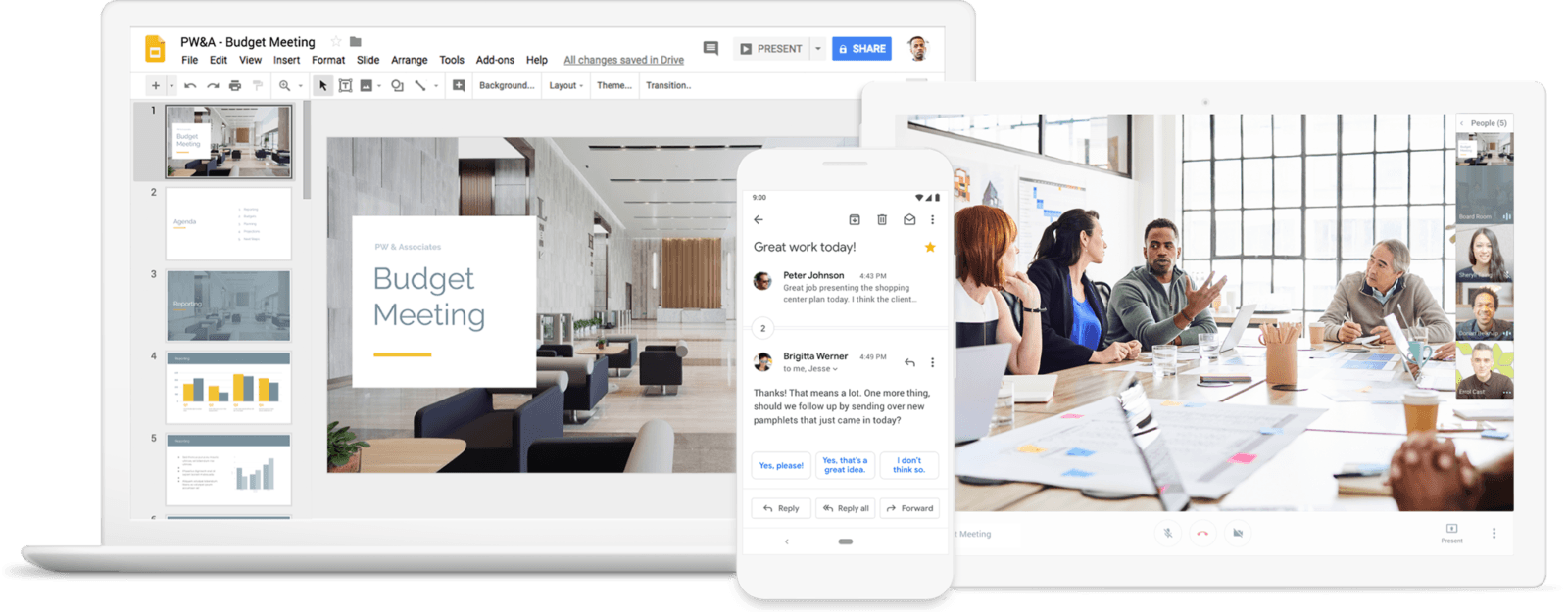
The collaboration suite from Microsoft is divided between consumer-grade and enterprise-grade tools. For truly free video conferencing, downloading the Microsoft Skype client gives users access to 10-way calling and a directory that can be populated by individual users. Moving up into the enterprise, Microsoft Teams can be packaged together with an Office365 license. It’s worth noting that teams using Microsoft Outlook™ and Microsoft Teams can access the Lifesize for Microsoft integration, which adds Lifesize video capabilities into the Outlook and Teams interface.
Advantages: Familiar user experience for anyone who uses Skype to connect with family members, available for up to 10-way calling, integrations with premium video conferencing vendors
Considerations: Requires a downloadable application, may be viewed as unprofessional, advanced features only available for premium subscription
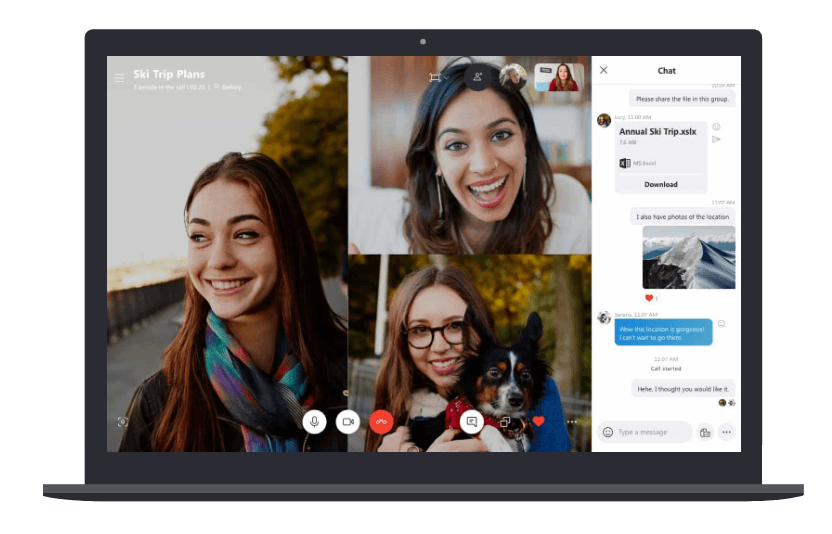
The free video conferencing solution from Zoom provides a pared-down service for group video calls. The Zoom Basic plan allows users to have 40-minute calls with a handful of features like screen sharing, local recording, breakout rooms and camera filters.
Advantages: Simple sign-up process, includes basic recording, supports 100-way calling
Considerations: Requires a downloadable application, all calls are unencrypted, calls limited to 40 minutes or less, no capability to control spam or bandwidth

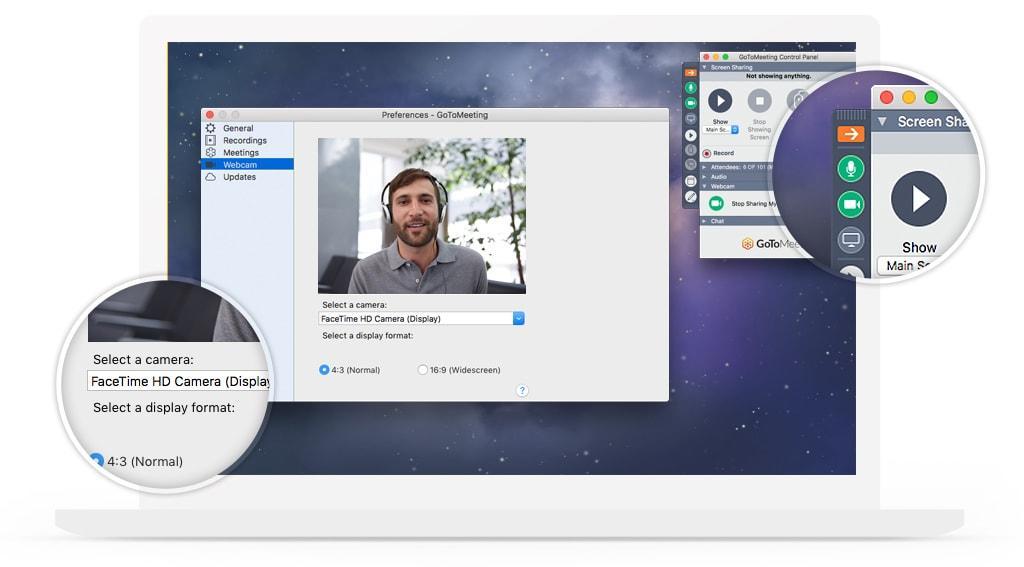
GoToMeeting is the standalone webconferencing service provided by LogMeIn. As expected it provides audio and video conferencing, as well as screensharing.
One of the features that sets GoToMeetings apart is its mobile friendliness – you can set up and start a conference from your smartphone, something some big brand software would struggle to do. There are also settings to maximise call and optimize image quality use tools like image editor or background removal tool, as well as one-tap invites to join meetings as well as chats.
Mobile apps are provided separately for Android and iOS, and both have high positive review volumes, which again makes a change from some other providers who struggle to balance quality and usability with mobile use.
In terms of pricing, almost all standard features are available with the most basic payment tier, which costs $14 per month, or $12 per month with an annual payment. Even the limit of 150 participants is generous, and for most businesses, this is all that will be required.
A Business plan tier is available for $19 per month (or $16 when paid annually) which increases the number of participants to 250 and includes a few admin features plus drawing tools and mouse sharing. An Enterprise plan is available to accommodate up to 3,000 participants.
However, while there are many good things to be said for GoToMeetings, if you’re looking for a business VoIP solution then GoToConnect offers both cloud-based phone system which integrates GoToMeetings as part of the package, and it may be more cost-effective to sign up for that instead.
CyberLink is a Taiwanese multimedia software company. It was founded in 1996. U Meeting is the company’s video conferencing solution.
CyberLink U Meeting has four pricing plans.
The ‘Basic’ plan is free. It includes up to 25 participants and 30 minutes per meeting.
‘Pro 50’ is $29.99 per host per month. It includes up to 50 participants, 24 hours per meeting, admin tools and PerfectCam.
‘Pro 100’ starts at $49.99 per user per month. This includes all ‘Pro 50’ has to offer plus up to 100 participants.
The ‘Enterprise Features’ plan includes all the other tiers offerings plus meeting analysis, premium customer support and end-to-end encryption. Users need to contact sales for a quote.
‘PerfectCam’ is a most random feature. Users can add computer generated makeup to their faces with the company promising to ‘create a truly professional look’.
U Meeting is entirely web-based. This might put some users off but it can be an advantage as you will not need to download any additional software to use U Meeting. It also does not offer video recording or the ability to dial into meetings using VoIP systems.
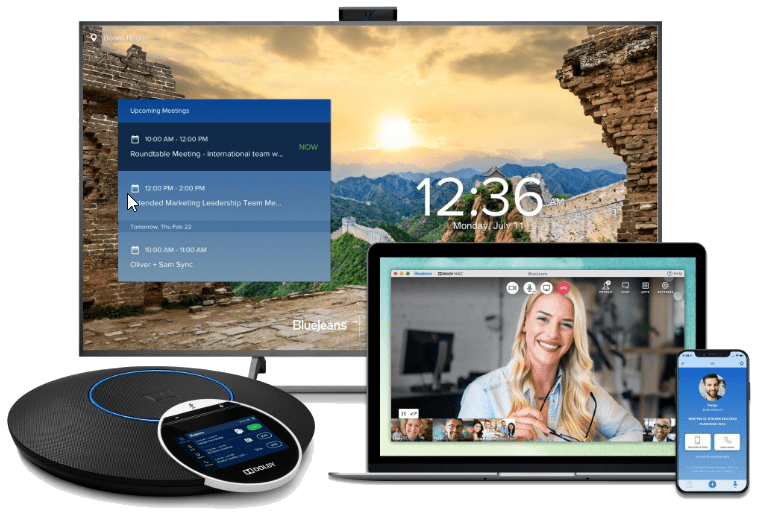
BlueJeans was founded in 2009 and has its headquarters in California. The company provides inter-operable cloud-based video conferencing platform.
There are three pricing tiers. BlueJeans does not have a free tier but it does offer a 30-day free trial.
The ‘Me’ tier costs $14.99 per month per user, when paid annually. Users can have up to 50 attendees, connect from any computer, iOS or Android device and all meetings include dial-in numbers.
The ‘My Team’ plan is $19.99 per month per host (when paid annually) and includes all the lower tier had to offer plus 10 hours of cloud meeting recordings, command center dashboard and up to 75 participants.
The ‘My Company’ packages includes all the features of the other plans along with connection H.323//SIP room systems, room system calendar support and up to 150 participants. Users need to contact BlueJeans directly in order to get a quote.
Users do not have to sign up to an annual subscription with BlueJeans. The basic tier supports free phone audio in over 40 countries. BlueJeans also supports Dolby voice. This might suit users who are more concerned about video quality rather than the number of features included with the platform.
BlueJeans seems to have less features than some of its nearest competitors however this is overlooked due to the quality of their system along with the fact users can utilize the 30-day free trial to see if it suits their needs.
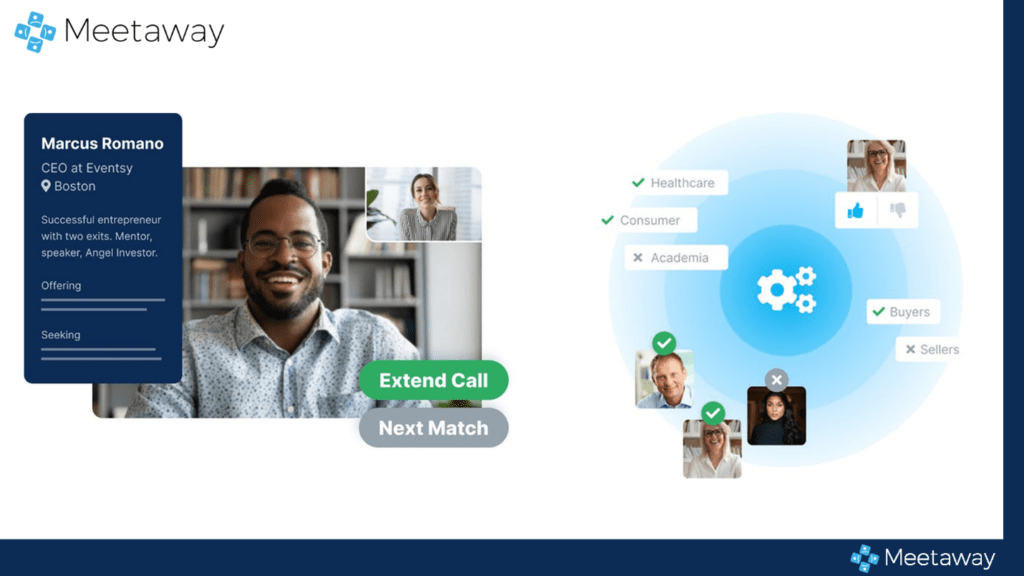
Meetaway is a networking platform with powerful conferencing options. Thus, it is a viable tool for a wide array of virtual events, big or small.
Unlike other conferencing apps, Meetaway is a tool for 1:1 speed networking and relationship building. It lets attendees choose who they meet by setting matching tags and request conversations with specific people who joined the event.
Conference organizers can use this app as a virtual lobby where guests can bump into each other, have an uninterrupted conversation, and look forward to seeing their next match. This video conferencing solution also removes the awkward moments of deciding who should speak first and when to end or leave the conversation.
Meetaway has a free plan and is perfect for virtual expo booths, hiring events, daily conferences, alumni career networking, and more!
Lifesize has been in the video conferencing industry for nearly two decades and has continuously pushed the bar for quality and ease of use. By setting up a free account with Lifesize, you can quickly start a free video call with up to 25 participants requiring no downloads or installs. Just navigate to the signup.lifesize.com page, enter your name and email and select a password. Guests can join the live call right from their laptops or mobile browsers by clicking on your personal meeting ID link.
Advantages: No downloads or installs required, unlimited meeting duration, built-in screen sharing, HD-quality video, enterprise-grade reliability and security by default
Considerations: Additional features like 300-way calling, Microsoft integrations and 4K video conference room systems require a paid subscription.