This guide compares different approaches and platforms (including Bookafy) so you can choose what actually fits your business instead of duct-taping random apps to gether. Table of Contents
-
Why SMS and Email Reminders Reduce No‑Shows On paper, no-shows
-
Option 1: All‑in‑One Scheduling Platforms (e.g., Bookafy) All‑in‑one schedulers .
-
Option 2: SMS Reminder Platforms Standalone SMS platforms are focused on one thi.
-
Option 3: Email Automation & Marketing Tools Email isn’t
-
Option 4: DIY with APIs, CRMs,
-
How to Choose the Right Stack
-
Conclusion: Practical Next Steps Reducing no-shows
Key Takeaways
| # | What You’ll Learn Why It Matters |
| 1 | How SMS and email reminders actually reduce no-shows Helps you justify the investment to stakeholders |
| 2 | Pros and cons of all‑in‑one schedulers vs standalone SMS/email tools Avoid overpaying or overcomplicating your tech stack |
| 3 | Which types of businesses benefit most from each approach Lets you pick tools that fit your real-world workflows |
| 4 | How Bookafy fits into a reminder strategy See when an integrated scheduling + reminders tool is the better choice |
| 5 | A simple framework to choose and implement your reminder stack |
Why SMS and Email Reminders Reduce No‑Shows On paper, no-shows
look like a small leak. In reality, they’re often a major profit sink:
-
Lost revenue from unused time slots
-
Wasted staff time and opportunity cost
-
Frustration for teams trying to hit targets
So why do reminders work so well to fix this?
The behavior behind no‑shows Most customers aren’t maliciously ghosting you.
They’re:
-
Forgetful (busy schedules, scattered calendars)
-
Confused (not sure if the appointment is confirmed)
-
Unsure (don’t know how to reschedule or cancel easily)
SMS and email reminders directly address these drivers:
- SMScuts through noise with a short, timely nudge on a channel people constantly check.
-Emailcarries more detail—location, prep instructions, links, attachments.
When you combine them, you get:
-Higher show-up rates(often 20–40% fewer no-shows)
-Cleaner calendars(more reschedules instead of last-minute ghosts)
-Better customer experience (people feel looked after and informed)
SMS vs email: quick comparison Channel Strengths Weaknesses Best
For SMS Very high open rate, fast, great last-minute reminder Character limits, message costs, compliance rules Day-before and day-of reminders, urgent changes Email Detailed info, rich formatting, attachments, low cost Lower immediate visibility, can land in promotions/spam Confirmation, instructions, follow-ups, multi-step workflows
Pro tip: Don’t treat SMS and email as an either/or decision. Use email for confirmation and context, then SMS for proximity reminders (24 hours and 1–2 hours before). Option 1: All‑in‑One Scheduling Platforms (e.g., Bookafy) All‑in‑one schedulers combine online booking, calendar management, SMS/email reminders, and often paymentsinto one system. Think:
-
Bookafy
-
Calendly
-
Acuity Scheduling
For many businesses, this is the most straightforward way to reduce no-shows without building a complex stack. How a platform like Bookafy reduces no‑shows
With Bookafy, the flow looks like this:
-
Client books online via your shared booking link or embedded widget
-
Calendar is instantly updated and synced with your staff’s calendars
-
Confirmation email is sent automatically (with calendar invite, details, and links)
-
SMS and/or email reminders go out based on rules you set (e.g., 24 hours and 2 hours before)
-
Client can reschedule or cancel directly from reminder messages
That last step is a game changer. Some no-shows can’t be prevented, but they can be converted toreschedules instead of silent disappearance. Pros and cons of all‑in‑one platforms Aspect Pros Cons Setup Quick
to get started; minimal integrations needed Must adapt to the platform’s flow and UX Features Scheduling, reminders, sometimes payments and video links Not as deep in marketing automation as specialist tools Cost One subscription covers many needs May feel "heavy" if you only want reminders UX Unified experience for staff and customers Migration from spreadsheets/manual systems can feel like a big shift
Pro tip: If you’re scheduling more than a handful of appointments per week, calculate your hourly rate. The time saved with integrated scheduling + reminders often pays for Bookafy or similar tools within the first week. Best use cases for all‑in‑one scheduling These platforms shine when:
-
You don’t already havea strong reminder or automation stack
-
Customers can or shouldself-book(e.g., consultations, demos, classes)
-
You wantone placeto manage availability, bookings, and reminders
Examples:
-
A financial advisor firm letting clients request review meetings, with Bookafy sending email confirmations and SMS reminders.
-
A salon using online booking where clients get a confirmation email, a 48-hour SMS reminder, and a 3-hour SMS reminder with a reschedule link. Where Bookafy specifically stands out Bookafy is designed
for professional services and teams that care about bothcustomer experienceandoperational efficiency:
-
Flexible reminder rules: Different rules by appointment type or service
-
Multiple channels: Email and SMS reminders baked in
-
Time zone intelligence: Great for remote/virtual appointments
-
Integrations with calendars, CRM tools, and video platforms
Pro tip: Use different reminder templates for first-time vs returning customers. First-timers often need more prep details; regulars just need time, place, and a quick link to reschedule. Option 2: SMS Reminder Platforms Standalone SMS platforms are focused on one thing: sending text messages reliably at scale. You’ll see tools such as:
-
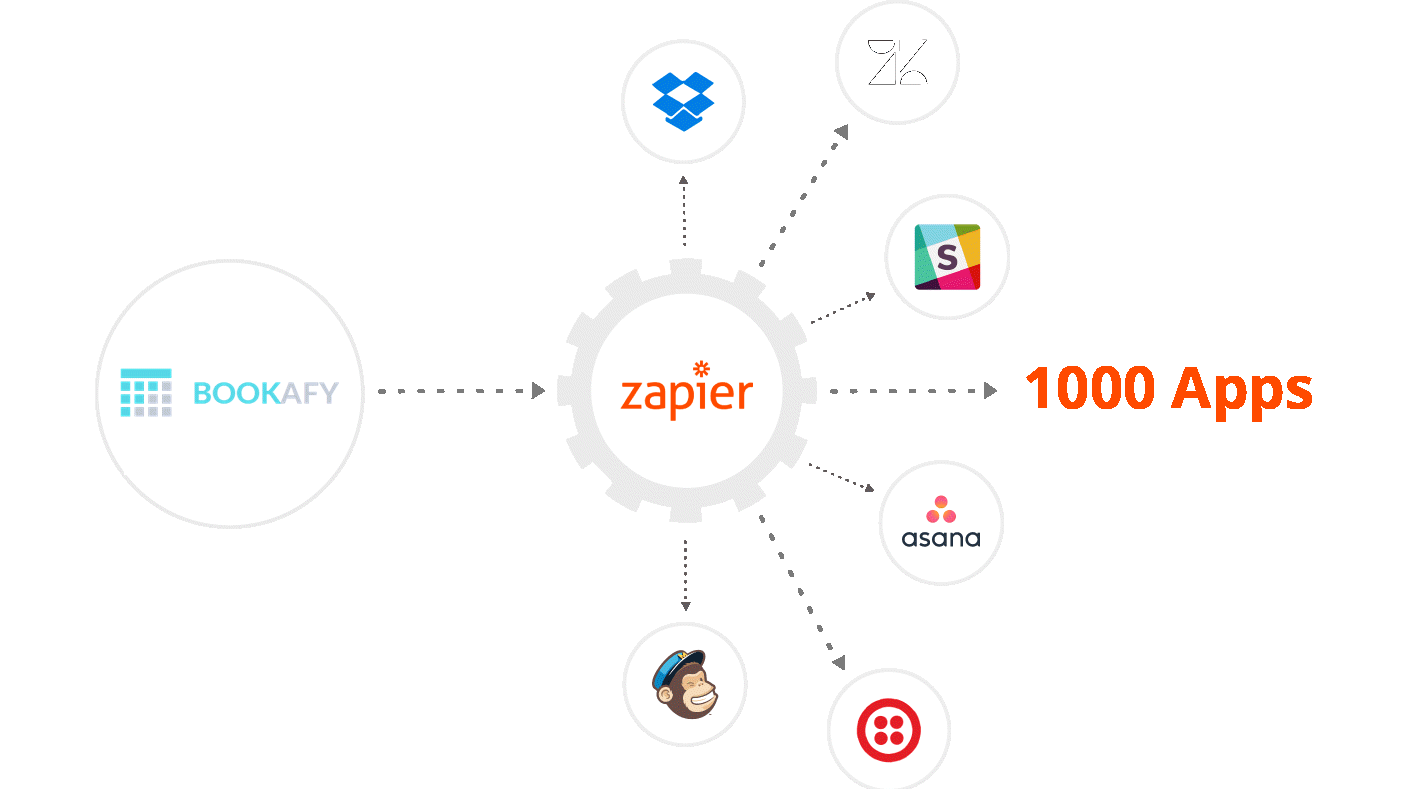
Twilio (developer-focused)
-
ClickSend
-
SimpleTexting
-
TextMagic
They’re powerful, but they rarely include scheduling out of the box—you usually connect them to a calendar, CRM, or scheduling tool. How SMS platforms help reduce no‑shows
In practice, you use SMS platforms to:
-
Send automated remindersbased on appointment times pushed from another system
-
Broadcastmass reminders(e.g., class schedule updates, policy changes)
-
Respond totwo-way SMS when clients reply to reminders
The magic is the open rate. Most SMS messages are read within minutes, so last-minute “Just a reminder.” messages are extremely effective. Pros and cons of standalone SMS tools Aspect
Pros Cons Deliverability Excellent delivery and open rates Carrier filtering and compliance rules can be tricky Flexibility Highly customizable flows with APIs Often requires technical setup or middleware (Zapier, etc.)
Pro tip: *Use SMS for fewer, better-timed messages. One confirmation plus one or two reminders is usually enough. Over-messaging can cause opt-outs and defeat the purpose. Best use cases for SMS platforms You’ll
get the most value from SMS tools when:
-
You already have a scheduling system and just need a better reminder channel
-
Your audience is mobile-first and answers texts more than email
-
You have internal dev or ops resources to connect systems
For example:
-
A medical clinic uses an EHR that sends basic emails, but plugs in Twilio via an integration to add SMS reminders one day and one hour before. No-show rate drops from 18% to 9%.
-
A fitness studio uses Bookafy for class booking but routes booking data into a tool like ClickSend for advanced SMS campaigns and two-way message management.
Pro tip: If you’re using Bookafy or another scheduler, check built-in SMS options first. It’s often simpler and more manageable than bolting on a completely separate SMS platform, unless you need very advanced SMS campaigns. Option 3: Email Automation & Marketing Tools Email isn’t
as instantaneous as SMS, but it’s still core to a reminder strategy—especially for higher-value or information-heavy appointments. Popular tools here include:
-
Mailchimp
-
HubSpot
-
ActiveCampaign
-
Sendinblue (Brevo)
These platforms bring more than just reminders: nurture flows, segmentation, analytics, etc. How email tools fit into a reminder strategy Email tools are ideal for:
- Confirmation emailswith calendar invites and details
-**Pre-appointment sequencesfor education or preparation
-Post-appointment follow-ups, reviews, and upsell flows
Example sequence for a consulting firm:
-
Immediately on booking: Confirmation email with date, time, agenda, and video link (from Bookafy)
-
3 days before: Educational email with case studies and what to prepare
-
1 day before: Short reminder email plus a button to reschedule (if needed)
-
Same day: SMS reminder for immediacy, powered by Bookafy
Pros and cons of email automation tools Aspect
Pros Cons Content Rich content, attachments, detailed instructions Not ideal for last-minute reminders alone Automation Strong workflow builders and segmentation Can be overkill if you only need simple reminders Analytics Open/click tracking, A/B tests Requires time to interpret and optimize Cost Often free or low-cost at small lists Costs grow with list size and advanced features
Pro tip: *Use your email platform for everything that’s not time-critical, and pair it with SMS or your scheduling platform to handle the actual “don’t forget, it’s today” nudges. Best use cases for email tools Email platforms shine when:
-
Your service requires preparation (documents, forms, instructions)
-
You sell high-value or complex services where education reduces no-shows
-
You want to tie reminders into broader marketing and customer lifecycle flows
Examples:
-
A law firm sends clients a sequence of emails after booking via Bookafy: intake forms, what to bring, parking info, and then a reminder.
-
A SaaS sales team uses HubSpot emails to nurture leads between demo booking (via Bookafy) and the meeting, which increases both attendance and closing rates.
Pro tip: Don’t rely on email alone for same-day reminders. Combine an email sequence with at least one SMS or in-app notification if your appointments are time-sensitive. Option 4: DIY with APIs, CRMs, and Integrations
Some teams want maximum control.
They’ll stitch to gether:
-
A CRM (HubSpot, Salesforce, Pipedrive)
-
A scheduling tool (Bookafy or your choice)
-
SMS gateways (Twilio, etc.)
-
Email services (SendGrid, Mailgun)
.often wired up with Zapier, Make, or custom code. Why go DIY? Going the DIY route can make sense if you:
-
Have in-house dev resources
-
Need very specific logic (e.g., different reminder cadences for different tiers or risk profiles)
-
Must integrate reminders deeply with existing workflows and data
Example:
- A healthcare network uses Bookafy for patient self-booking, a CRM to track lifetime value, and Twilio + SendGrid for messaging. A custom workflow sends different reminders based on patient segment and whether it’s a first-time or follow-up visit, adjusting timing if patients historically arrive late. Pros and cons of DIY reminder stacks Aspect
Pros Cons Flexibility Almost unlimited logic and customization Higher complexity and maintenance burden Control Data stays in your ecosystem; custom reporting Requires ongoing dev or ops attention Scalability Tailored to your scale and growth Changes and updates can be slower Cost Can be cost-effective at large scale Hidden costs in engineering and integration time
Pro tip: Start with your scheduler’s built-in reminders (e.g., Bookafy), then layer on custom logic only where necessary. Too many businesses jump to complex setups before exhausting simpler options. When DIY is overkill If someone on your team says, “We’ll just script it,” it’s worth pausing.
DIY may be overkill if:
-
You have fewer than a few hundred appointments per month
-
You’re not yet tracking basic metrics (no-show rate by service or staff)
-
Your team doesn’t have a dedicated ops/technical owner for the system
In those cases, a well-configured Bookafy account with out-of-the-box SMS and email reminders will usually give you 80–90% of the benefit at a fraction of the effort.
Pro tip: Every new integration or custom script is a new potential failure point. Map on paper how a booking becomes a reminder, and simplify wherever you can. How to Choose the Right Stack for Your Business You’ve seen the options, but how do you decide what to actually implement this quarter, with your constraints and goals?
Step 1: Clarify your reality Answer these quickly:
-
How many appointments do you handle per week/month?
-
What’s your current no-show rate (even a rough estimate)?
-
Do customers self-book or is scheduling handled internally?
-
Do you already use a CRM, email platform, or SMS tool?
-
Do you have dev/ops capacity for integrations?
Pro tip: If you don’t know your no-show rate, pull 2–3 months of data and do a simple calculation. Even a ballpark number will make ROI decisions much easier. Step 2: Match your profile
to a solution type Use this decision table as a shortcut:
Step 3: Design a simple reminder workflow
Regardless of tools, an effective baseline workflow looks like this:
- Instant confirmationvia email with calendar invite
1.24–48 hours before: Email reminder with key details and prep instructions
-
1–3 hours before: SMS reminder with time, location/link, and reschedule/cancel link
-
Post-appointment: Email follow-up to gather feedback or drive next steps
Most all‑in‑one tools like Bookafy can cover steps 1–3 internally.
Pro tip: Always include a clear reschedule or cancel link in reminders. You’d rather fill a freed slot than stare at an empty chair because someone felt awkward calling to cancel. Step 4: Implement quickly, then optimize Don’t wait
for perfect. A simple, slightly generic reminder system beats an ideal one that never ships. Start with:
-
Default templates in your scheduler
-
Standard timing (24 hours + 2 hours before)
-
One or two variations by service type
Then, measure and adjust:
-
Track no-show rate by month and by service
-
Test different timings (e.g., 72 hours vs 24 hours for certain services)
-
Refine messaging (tone, length, clarity of instructions)
Pro tip: A/B test small changes in subject lines or SMS phrasing. Even minor tweaks like adding the staff member’s name or a direct question (“Still good to come in?”) can impact response and show-up rates. Conclusion: Practical Next Steps Reducing no-shows
with SMS and email reminders isn’t about chasing the fanciest tech—it’s about aligning the right channels with how your customers actually behave. If you want a straightforward path:
-
**Start with scheduling: If you’re still manually booking, adopt an all‑in‑one platform like Bookafy so reminders are native to the booking flow.
-
Turn on both email and SMS: Use email for confirmations and details, SMS for day-before and same-day nudges.
-
Keep the workflow simple: Confirmation + 24-hour reminder + 1–2 hour reminder is enough for most businesses.
-
Iterate based on data: Watch your no-show rate monthly and adjust timing, messaging, or channels.
-
Only add complexity when you need it: Integrate CRMs, advanced SMS platforms, or custom workflows once the basics are working and your volume justifies it.
If you’re considering Bookafy specifically, its strength is giving you self-service scheduling plus built-in SMS and email reminders without requiring a stack of extra tools. For many professional teams, that’s the fastest path from “we keep getting ghosted” to “our calendar finally behaves.”
The bottom line: pick one approach that matches your reality, implement it this week, and let the data tell you what to do next. The compounding effect of fewer no-shows will show up faster than you think.