

How to publish an SEO blog post every day (the real way)
If you’re producing content daily, you need a repeatable system: topic → keywords → outline → writing → on-page SEO → images → publish. Below is a complete step-by-step process with examples you can copy (URLs, titles, image filenames, alt text, internal links).
Jump to Step 1 Use DropContent instead 1 Topic 2 Keywords 3 Outline 4 Write 5 URL 6 Internal links 7 Images 8 Image SEO 9 PublishThe 9 steps, end-to-end
If you want to post once or everyday, follow these steps exactly... or scroll to the bottom to automate the whole system.
Pick a topic that can actually rank
Start with a topic that matches a specific search intent. Avoid broad “marketing tips” topics. Choose something narrow enough to win, but valuable enough to bring qualified traffic.
Example topic choices ❌ "SEO tips" ✅ "SEO checklist for SaaS landing pages" ✅ "How to reduce no-shows with automated reminders" ✅ "Appointment scheduling software for small businesses"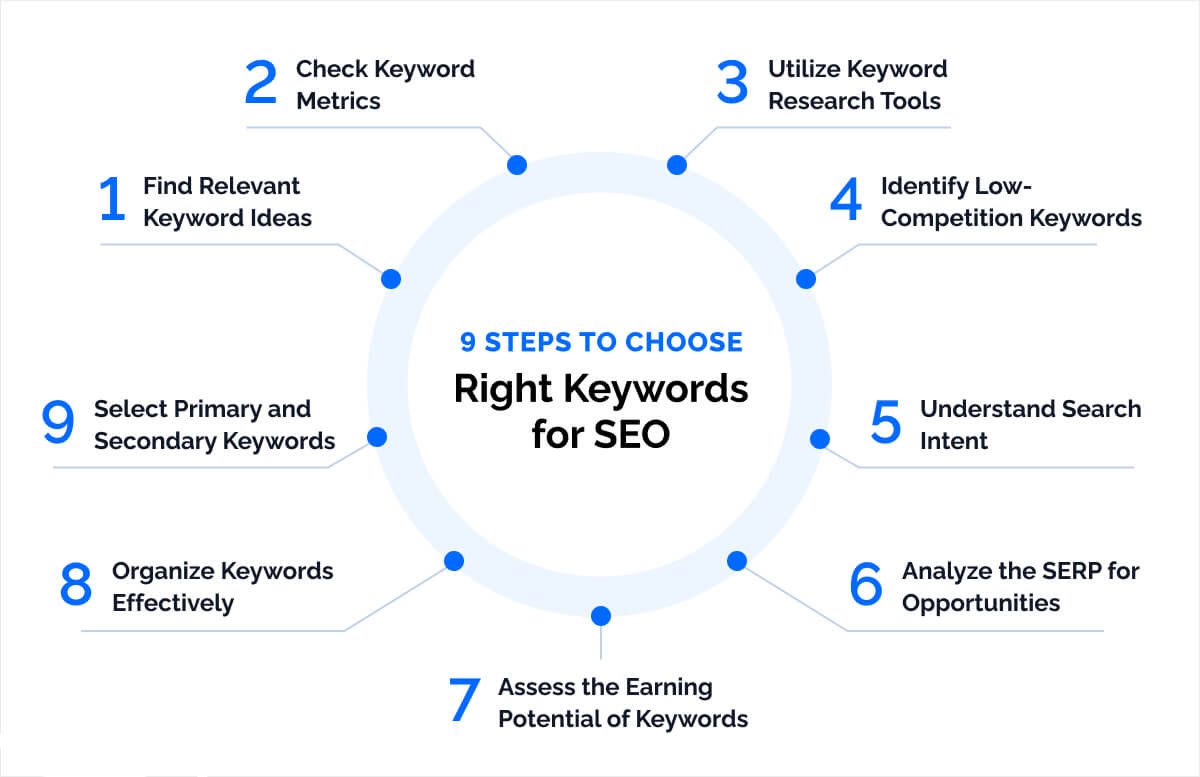
Choose a primary keyword + supporting keywords
Pick one primary keyword and 5–15 supporting terms. Your primary keyword guides the H1, URL, and early paragraphs. Supporting keywords become H2/H3 sections and related phrases throughout.
Keyword set example Primary: "appointment booking software" Supporting: - "online scheduling tool" - "calendar booking system" - "reduce no shows" - "team scheduling software" - "booking page examples"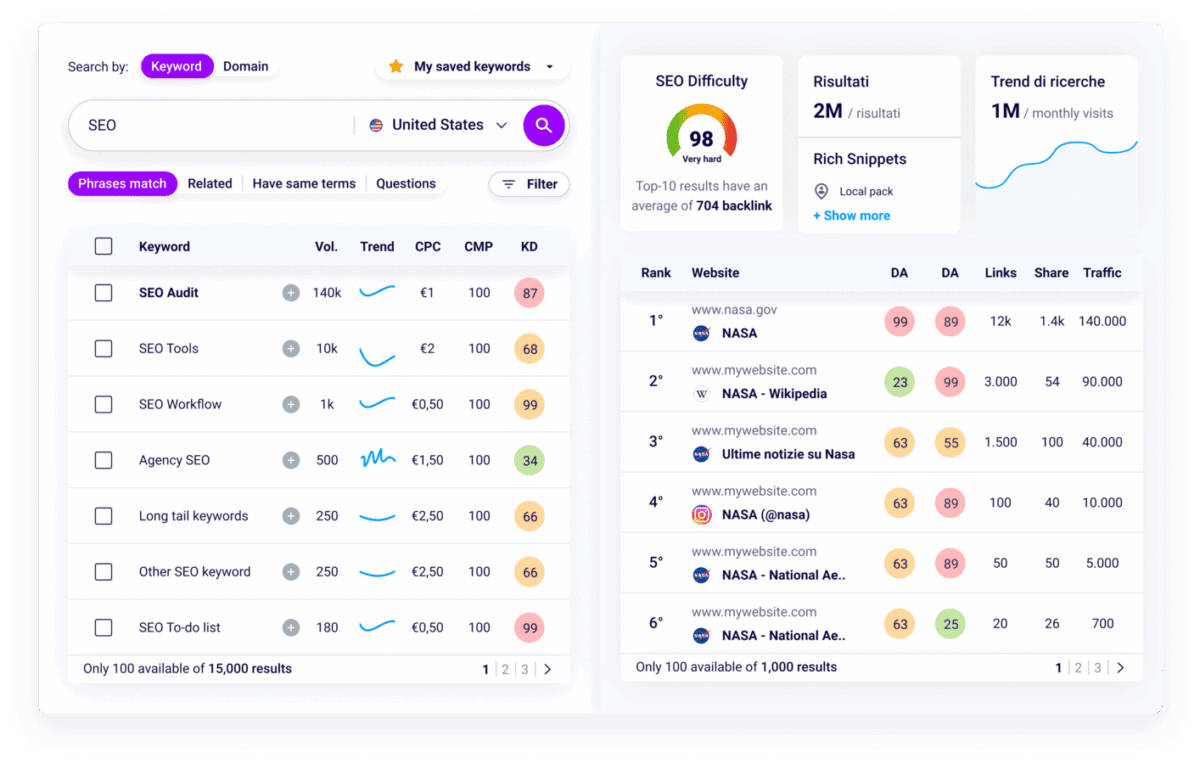
Build a ranking-focused outline
Your outline should mirror what readers want: definitions, steps, comparisons, and FAQs. Great SEO posts are scannable: clear H2s, short paragraphs, and examples.
Outline example H1: Appointment Booking Software: A Practical Guide H2: What it is (and who needs it) H2: Key features (payments, reminders, time zones) H2: How to choose the right tool H2: Setup checklist (in 30 minutes) H2: Common mistakes H2: FAQs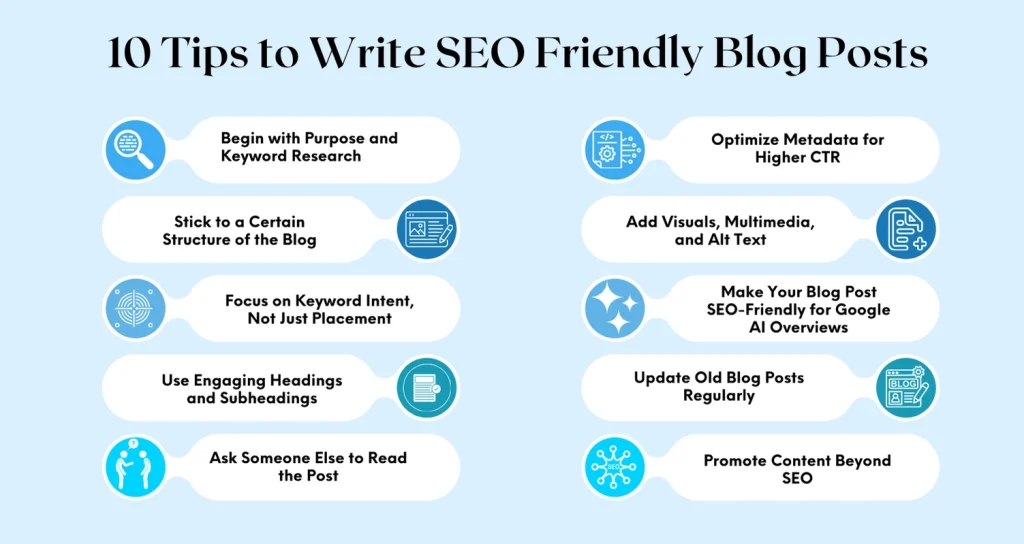
Write the post (focus on intent + clarity)
Write for the human first, then make sure you’ve covered the topic deeply enough to compete. A strong post typically includes: examples, a checklist, and direct answers.
Quick quality checklist- Primary keyword in the first 100 words
- Each H2 answers a real question
- Examples or screenshots for key claims
- Short paragraphs + bullet points for skimming
- A clear CTA at the bottom
Create an SEO-friendly URL slug
Keep your slug short, lowercase, hyphenated, and keyword-based. Avoid IDs, dates, and filler words.
Good vs. bad URL examples ✅ /appointment-booking-software ✅ /reduce-no-shows-automated-reminders ❌ /blog?id=847392&ref=home ❌ /2026/02/03/the-ultimate-most-amazing-guide-to-booking-tools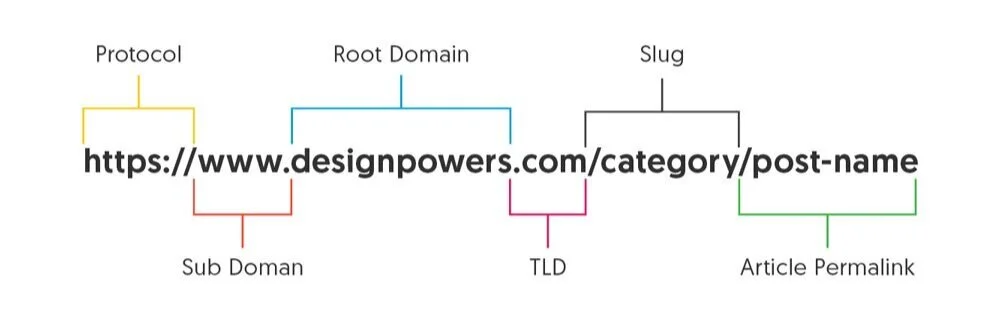
Add internal links (the easiest SEO win)
Internal links help Google understand your site and push authority into your important pages. Aim for 3–8 internal links per post (as long as they’re genuinely relevant).
Internal link examples Anchor text: "automated reminders" Link to: /features/automated-reminders Anchor text: "online booking page" Link to: /booking-page Anchor text: "team scheduling" Link to: /solutions/team-scheduling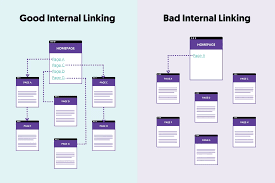
Add images that improve understanding
Images should do real work: show a workflow, a checklist, a screenshot, or a comparison. Most posts do well with 1 featured image + 2–4 in-content visuals.
Good image types for SEO posts- Simple workflow diagrams (steps, funnels)
- UI screenshots (settings, fields, dashboards)
- Comparison tables
- Checklists / “what to look for” visuals
Optimize images: filename, title, alt text
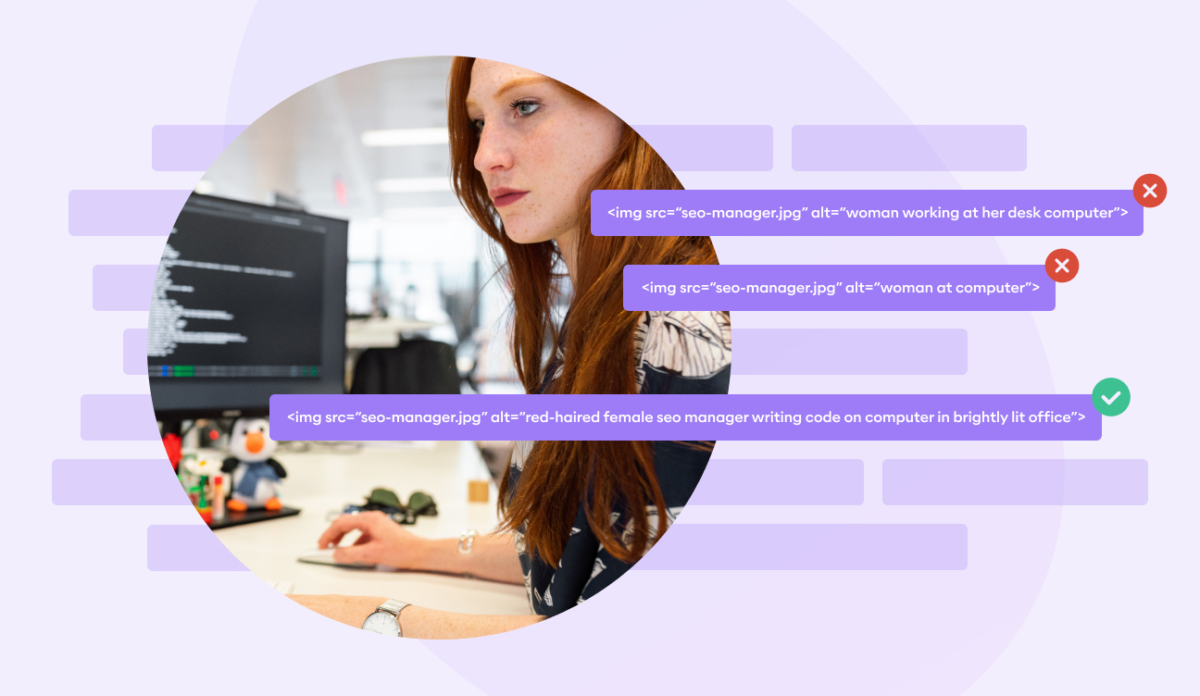
Use descriptive filenames, add human-readable titles, and write alt text that describes what’s in the image (with natural keyword relevance).
Image SEO example Filename: appointment-booking-workflow.png Title: Appointment booking workflow checklist Alt text: "Appointment booking workflow checklist showing setup steps" Alt text do / don't ✅ Alt: "Screenshot of WordPress permalink field with SEO-friendly slug" ❌ Alt: "SEO SEO SEO booking software best booking software cheap"
Final on-page checks + publish
Before publishing, do a fast “ready to rank” pass. Small details compound when you publish daily.
Pre-publish checklist- Primary keyword in title + first paragraph
- Clean slug + H2 structure
- 3–8 internal links
- 3–5 images with filename/title/alt
- Mobile formatting looks clean
- CTA at bottom matches intent
Want to skip the 9 steps and publish daily anyway?
If you’re doing this consistently, the hardest part isn’t writing one post—it’s doing it every day. DropContent can automate topic selection, keyword targeting, long-form drafts, image generation, image SEO fields, internal links, and auto publishing—so you get consistent output without the 2–6 hour manual work.
Tip: Replace the button link below with your coupon flow, demo page, or pricing page. Try DropContent.coSave time with automated scheduling
Bookafy handles online booking, reminders, and calendar sync so you can focus on the work.
Try Bookafy free
Bookafy — online appointment scheduling for growing businesses.