
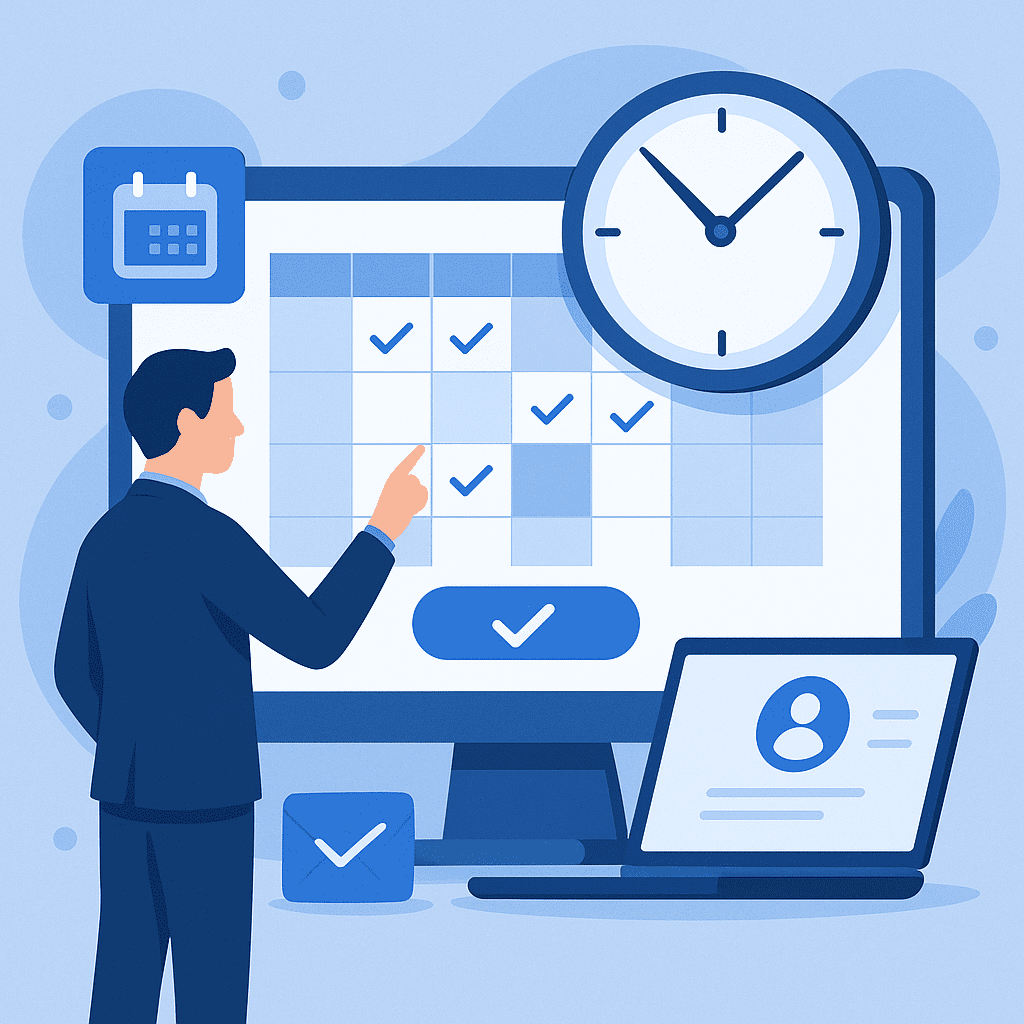
What Is Online Appointment Scheduling Software?
Online appointment scheduling software is a digital tool that allows customers, clients, or patients to book time with you via the web—without phone calls, back-and-forth emails, or manual calendars. It automates the booking process, sends confirmations and reminders, and helps businesses manage availability in real time.
For service-based organizations—from consultants and coaches to salons, clinics, and enterprise teams—online appointment scheduling software has become a critical part of delivering a smooth customer experience while reducing administrative workload.
In this guide, you’ll learn what online appointment scheduling software does, why it matters, key features to look for, and how solutions like Bookafy can streamline your scheduling workflows.
Why Online Appointment Scheduling Software Matters
1. Customers Expect 24/7 Self-Service Booking
Today’s customers want to book appointments on their own schedule, not just during business hours. Online appointment scheduling software allows:
- 24/7 availability so clients can book any time
- Instant confirmations instead of waiting for a call or email back
- Reduced friction in the customer journey, which can increase conversions
Providing a self-service booking experience is increasingly seen as a basic expectation—not a nice-to-have.
2. Reduce No-Shows and Last-Minute Cancellations
Missed appointments cost time and revenue. Quality appointment scheduling platforms help reduce no-shows by:
- Sending automated email and SMS reminders
- Providing easy reschedule and cancellation links
- Allowing clients to add appointments directly to their personal calendars (Google, Outlook, etc.)
This automation improves attendance rates and keeps your schedule predictable.
3. Save Time and Administrative Overhead
Manual scheduling is error-prone and time-consuming. Online appointment scheduling software streamlines tasks like:
- Checking availability across staff and locations
- Handling time zones for remote or international clients
- Managing back-and-forth rescheduling
- Collecting customer information and intake forms
By automating these tasks, your team can spend more time on high-value work and delivering services.
4. Deliver a More Professional Brand Experience
A modern, branded booking experience reflects directly on your professionalism. With the right software, you can:
- Embed a polished booking page into your website
- Customize the look and feel to match your brand
- Provide a consistent experience across desktop and mobile
Platforms like Bookafy let you control the branding and layout, so your scheduling experience feels like a seamless part of your business.
Key Features to Look for in Online Appointment Scheduling Software
Not all scheduling tools are created equal. When evaluating solutions, prioritize the features that align with your business needs.
1. Flexible Scheduling Rules
Look for software that allows you to configure:
- Business hours and staff availability
- Buffer times between appointments
- Lead times (how far in advance someone can book)
- Cancellation and rescheduling policies
These controls ensure that your schedule reflects real-world constraints and reduces conflicts.
2. Multi-User and Multi-Location Support
If you have a team or multiple locations, your software should support:
- Multiple staff calendars with individual availability
- Skill- or service-based routing (e.g., clients choose a service and the system assigns an available provider)
- Location-specific settings (hours, time zones, services)
Bookafy, for example, is designed to handle single practitioners, small teams, and larger multi-location businesses.
3. Seamless Calendar Integrations
A must-have for any effective online appointment scheduling software is integration with popular calendars, such as:
- Google Calendar
- Microsoft Outlook / Office 365
- Apple Calendar (via iCal)
Two-way sync ensures that bookings update your calendar in real time and that personal events block off availability.
4. Automated Notifications and Reminders
Automated communication is central to maximizing attendance and keeping customers informed. Look for:
- Email and SMS confirmations
- Reminder sequences (e.g., 24 hours and 1 hour before)
- Follow-up messages after appointments
With Bookafy, for instance, these messages can be customized to reflect your brand voice and include relevant information or next steps.
5. Online Payments and Deposits
If you charge for your services, it’s highly efficient to collect payment at the time of booking. Your software should support:
- Secure payment processing via providers like Stripe or PayPal
- Deposits or full prepayment to reduce no-shows
- Pricing per service or per staff member
This approach improves cash flow and reduces friction at check-in.
6. Customizable Booking Pages and Forms
To deliver a personalized experience and gather the right data from clients, your scheduling tool should offer:
- Custom booking pages for different services or staff
- Custom intake fields (e.g., goals, preferences, contact details)
- Branding options for logos, colors, and messaging
Bookafy lets you build tailored booking experiences while keeping your brand front and center.
7. Group, Class, and Event Booking
Many businesses need to manage more than one-on-one appointments. If you run classes, webinars, or group sessions, look for:
- Group appointment support with capacity limits
- Recurring classes or events
- Waitlists when sessions are full
This is especially valuable for fitness studios, education providers, and online training businesses.
8. Integrations and API Access
Your scheduling platform should fit into your broader tech stack. Consider:
- CRM integrations (e.g., HubSpot, Salesforce, Pipedrive)
- Marketing tools (email automation, newsletters)
- Video conferencing (Zoom, Microsoft Teams, Google Meet)
- API access and webhooks for custom workflows
Bookafy offers integrations that connect scheduling with your existing systems, supporting end-to-end automation.
How Online Appointment Scheduling Software Benefits Different Industries
Professional Services and Consultants
Coaches, consultants, and freelancers can:
- Offer prospects a direct link to book discovery calls
- Segment bookings by service type (strategy call, onboarding, review)
- Sync with video conferencing tools to automatically include meeting links
This reduces friction in the sales process and helps you close more deals with less manual coordination.
Healthcare and Wellness Providers
Clinics, therapists, and wellness practitioners benefit from:
- Reduced phone volume and fewer administrative tasks
- Automated reminders to minimize missed appointments
- Structured intake forms to capture patient information
With strong scheduling rules and reminders, providers can better manage capacity and improve patient flow.
Beauty, Spa, and Personal Care Businesses
Salons, spas, and barbershops can:
- Allow customers to select specific stylists or providers
- Showcase services and pricing directly on the booking page
- Manage chair and room availability efficiently
Online booking ultimately increases repeat business and improves the customer experience.
Education, Training, and Coaching
Tutors, trainers, and educators can use online appointment scheduling software to:
- Schedule one-on-one sessions or group classes
- Offer time zone-friendly booking for global clients
- Integrate with Zoom or Teams for virtual sessions
This is especially useful for remote learning and hybrid training programs.
Actionable Tips for Choosing the Right Online Appointment Scheduling Software
1. Map Your Scheduling Workflow First
Before you evaluate tools, outline how scheduling works in your business:
- Who needs to be bookable (team members, rooms, resources)?
- What types of appointments or services do you offer?
- Do you need group sessions, classes, or events?
- Are payments required at booking, or after the service?
This clarity will help you quickly eliminate software that can’t support your real-world processes.
2. Prioritize Ease of Use for Both Staff and Customers
A feature-rich system is only valuable if people actually use it. During your evaluation, consider:
- How intuitive is the booking page for new customers?
- How easy is it for staff to adjust availability and manage appointments?
- Does the mobile experience work smoothly?
Bookafy focuses on an intuitive interface and streamlined setup, so teams can adopt it quickly.
3. Test Integrations With Your Existing Tools
List the systems you rely on daily—calendar, CRM, email marketing, payment processing—and confirm:
- Direct integrations are available, or
- You can connect via tools like Zapier or a public API
Run a short test: book an appointment and confirm it flows into your calendar, CRM, and email tools as expected.
4. Consider Scalability and Permissions
As your business grows, your scheduling needs will evolve. Look for:
- Support for additional staff and locations without a complete reconfiguration
- Role-based permissions (e.g., admin vs. staff access)
- Reporting tools that allow you to analyze booking volume and trends
A platform like Bookafy is built to scale from solo practitioners up to larger organizations.
5. Review Support, Onboarding, and Documentation
Reliable support is essential for mission-critical tools like scheduling. Evaluate:
- Availability of live chat, email, or phone support
- Quality of knowledge base articles and tutorials
- Whether implementation support or onboarding assistance is provided
This will dramatically reduce the time it takes to fully deploy your new scheduling system.
Implementing Online Appointment Scheduling Software: A Step-by-Step Approach
Transitioning from manual scheduling doesn’t have to be disruptive. Here is a practical rollout plan:
Step 1: Start With a Single Service or Team
Instead of onboarding your entire organization at once, begin with:
- One department, or
- One high-volume service
This pilot approach lets you refine settings and processes before expanding.
Step 2: Configure Core Settings
In your chosen platform (such as Bookafy):
- Set business hours and time zone.
- Add staff and define individual availability.
- Create services, durations, and pricing.
- Configure notifications and reminder timing.
Test several dummy bookings to ensure everything behaves as expected.
Step 3: Integrate With Your Website and Channels
Make booking accessible where your customers already interact with you:
- Embed the booking widget on your website’s contact or services page.
- Add a “Book Now” button to your navigation.
- Include your booking link in email signatures and social profiles.
Bookafy provides embed codes and shareable booking URLs to streamline this step.
Step 4: Communicate the Change to Customers
Announce your new online appointment scheduling system clearly:
- Send an email to current clients with your new booking link.
- Post announcements on social media.
- Train your team to direct callers to book online when appropriate.
The goal is to guide customers toward self-service booking as the default option.
Step 5: Monitor, Adjust, and Optimize
Once live, review:
- Booking volume and peak times
- No-show and cancellation rates
- Customer feedback on the new process
Use these insights to refine your availability, reminder schedules, and service offerings.
Why Consider Bookafy for Your Online Appointment Scheduling Software
While there are numerous scheduling tools available, Bookafy is designed to serve professional businesses that need reliability, advanced features, and a polished customer experience.
Key advantages include:
- Professional, branded booking pages that embed smoothly into your website
- Powerful scheduling logic for individuals, teams, and multi-location organizations
- Two-way calendar sync with Google, Outlook, and other major platforms
- Automated SMS and email reminders to reduce no-shows
- Payment integrations for collecting fees or deposits at booking
- Video conferencing integrations with Zoom, Teams, and more
- Robust customization and integration capabilities, including API access
For businesses aiming to modernize their customer experience while reducing administrative workload, Bookafy delivers a scalable, feature-rich solution.
You can explore more and get started at Bookafy.com.
Conclusion: Turn Scheduling Into a Strategic Advantage
Online appointment scheduling software is more than a convenience; it’s a strategic asset that impacts revenue, customer satisfaction, and operational efficiency. By giving clients a frictionless way to book, automating reminders and payments, and integrating with your existing systems, you free your team to focus on what matters most: delivering great service.
When you choose the right platform—such as Bookafy—you gain a professional, scalable scheduling solution that supports your growth rather than holding it back.
If you’re ready to streamline your appointment process and elevate your customer experience, consider implementing online appointment scheduling software today—and make your calendar work for you instead of against you.
Save time with automated scheduling
Bookafy handles online booking, reminders, and calendar sync so you can focus on the work.
Try Bookafy free
Bookafy — online appointment scheduling for growing businesses.