
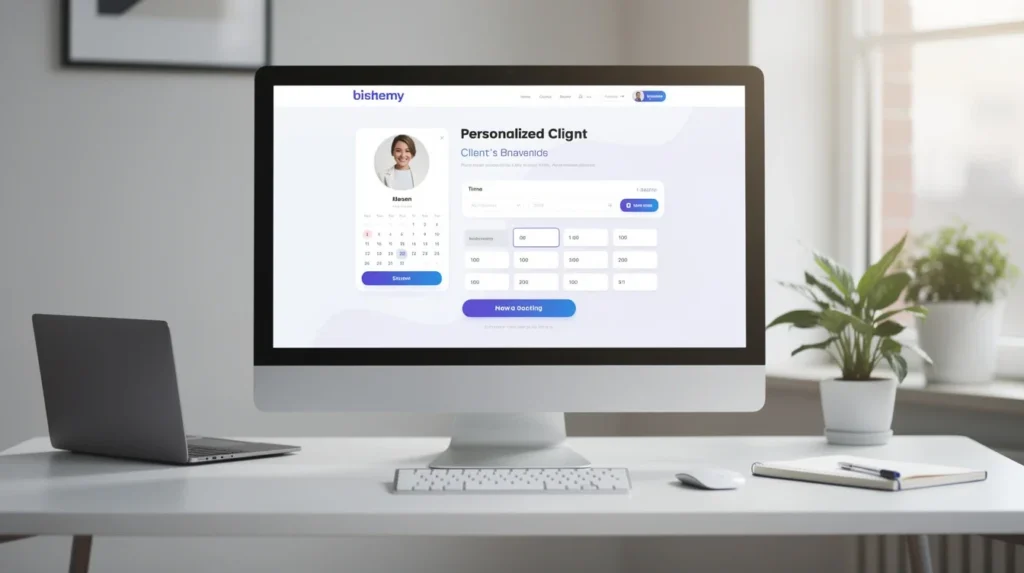
When it comes to growing your business and delighting your clients, first impressions matter. Your booking page is more than a scheduling tool—it's a reflection of your brand, your professionalism, and the experience clients can expect. Personalized booking pages are the secret sauce for turning casual browsers into loyal customers. Whether you’re a solo consultant, a busy salon owner, or part of a larger company, a well-designed booking page can set you apart from the competition. Let’s dive into practical, actionable tips for designing a client booking page that’s both beautiful and effective—helping you make every booking a breeze with Bookafy.
Understand Your Client Journey
Before you begin tweaking colors or adding fancy widgets, step into your client’s shoes. What do they want to achieve when they hit your booking page? The answer is usually simple: book an appointment quickly, with confidence, and without confusion.
Think about the journey they take—from the moment they land on your page to the confirmation message after booking. Streamlining this process is essential. Clear instructions, logical flow, and minimal distractions ensure clients don’t drop off halfway. Make your booking page intuitive: clients should never wonder which button to click next or what information they need to provide.
Pro tip: Test your booking page with a friend or colleague unfamiliar with your process. Observe where they stumble or hesitate, and use their feedback to refine the user flow.
Reflect Your Brand Identity
Your booking page is an extension of your brand, just like your website or storefront. Consistent branding builds trust and makes your business memorable. Incorporate your logo, brand colors, and fonts so clients immediately recognize they’re in the right place.
But branding isn’t just about visuals—it’s about personality. Write copy that sounds like you. If your business is relaxed and friendly, let that tone shine through in your instructions and confirmation messages. If you’re more formal, keep things clean and professional.
Pro tip: Use Bookafy’s customization features to match your booking page to your website’s look and feel. Consistency across platforms reassures clients they’re booking with the right team.
Simplify the Booking Process
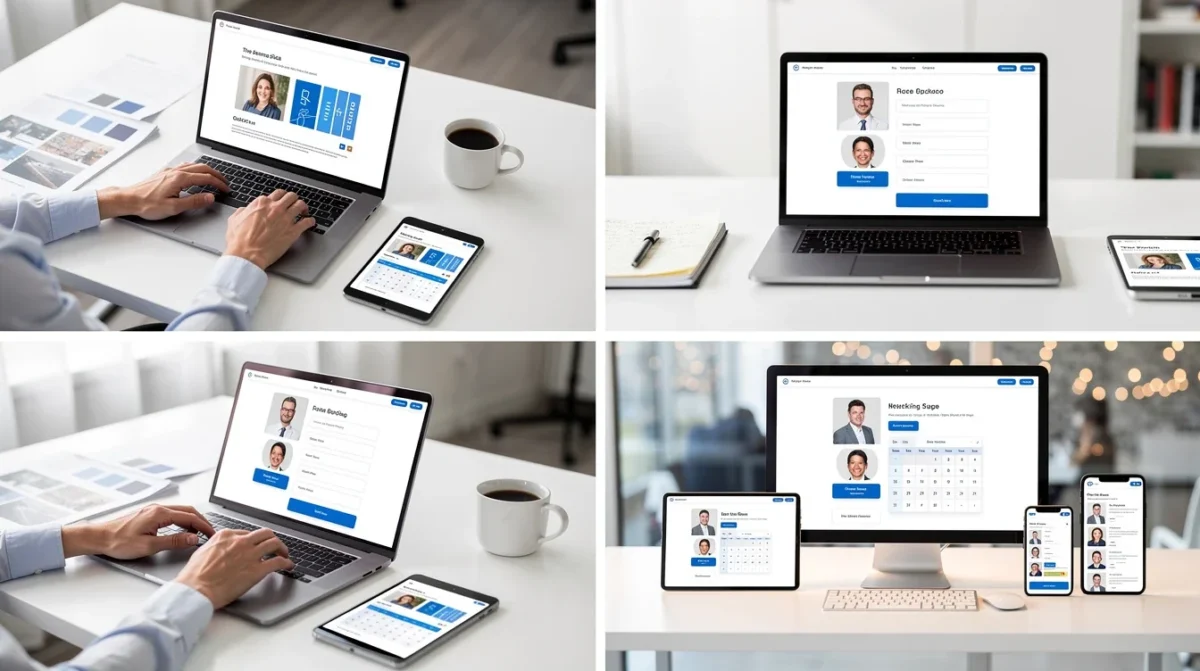
Simplicity is the backbone of great booking page design. Every extra step or field increases the chance of clients giving up. Ask only for the information you truly need, and present options clearly. For example, if you offer multiple services, categorize them logically so clients can find what they’re looking for in seconds.
If your booking process requires multiple steps, use a progress bar or clear headings to show clients where they are in the process. Avoid overloading the page with unnecessary details or distracting pop-ups. The goal: make booking feel effortless.
Pro tip: Regularly review your booking page analytics. If you notice clients abandoning bookings at a particular step, it may be a sign to simplify or clarify that part of the process.
Personalize the Experience
Personalization goes beyond slapping a name on a page. Use smart features to tailor the experience to each client. For repeat customers, pre-fill information where possible or offer tailored service suggestions based on past bookings. Allow clients to choose their preferred team member or specific time slots, if your business model allows.
Consider adding a short welcome message or video introduction to make the experience feel more human. Even small touches—like remembering a client’s birthday or offering a personalized promotion—can make your service stand out.
Pro tip: Enable reminder emails or text messages with personalized details to reduce no-shows and keep clients feeling valued and informed.
Optimize for Mobile
With a growing number of clients booking from their phones, a mobile-friendly booking page isn’t optional—it’s essential. Your page should look great and function flawlessly on all devices. Buttons should be easy to tap, text should be readable without zooming, and forms should be simple to fill out on a small screen.
Test your booking page on various devices and browsers to catch any issues. Remember, a frustrating mobile experience can quickly send clients elsewhere.
Pro tip: Bookafy’s responsive design tools can help you ensure your booking page adapts seamlessly to any screen size, keeping your business accessible to everyone, everywhere.
Build Trust With Social Proof
Clients want to feel confident when booking with you. Showcasing reviews, testimonials, or ratings directly on your booking page can provide that extra reassurance. Social proof communicates that others have had positive experiences, making new clients more likely to book.
You might include a few standout testimonials, ratings for specific services, or even badges for industry awards. Just make sure these elements don’t clutter the page—balance is key.
Pro tip: Reach out to happy customers for short testimonials, and rotate them regularly to keep your booking page fresh and authentic.
Encourage Engagement and Follow-Up
A well-designed booking page doesn’t end with the “Book Now” button. Use confirmation and follow-up messages as opportunities to engage clients further. Thank them for booking, offer helpful next steps, or invite them to connect on social media.
Consider integrating options for clients to easily reschedule or cancel if needed, which adds convenience and reduces friction. Automated follow-up emails or texts can prompt clients to leave a review or book their next appointment, keeping your relationship strong.
Pro tip: Use Bookafy’s automated communication features to streamline follow-ups and gently guide your clients toward their next interaction with your business.
Conclusion
Your booking page is often the first real interaction clients have with your business—and the difference between a new customer and a missed opportunity. By understanding your client’s journey, reflecting your brand, simplifying processes, personalizing experiences, optimizing for mobile, building trust, and encouraging engagement, you’ll create a booking page that stands out and converts.
With Bookafy, you have the tools you need to craft a seamless and memorable booking experience. Start refining your booking page today and watch as more clients book with confidence, time and time again.
Try Bookafy free
Put online booking, automatic reminders, and calendar sync to work for your business. Free to start — no credit card required.
Start your free trial See how it works →Frequently asked questions
What is the best appointment scheduling software for a small business?
Bookafy is appointment scheduling software built for small businesses: clients book online 24/7, automatic text and email reminders cut no-shows, and your calendars stay in sync — at a friendly per-user price.
Does Bookafy reduce no-shows?
Yes. Bookafy sends automatic text and email reminders before every appointment, which is one of the most effective ways to reduce no-shows.
Can clients book online 24/7 with Bookafy?
Yes. Bookafy gives you a booking page and embeddable widget so clients can self-schedule any time, from your website, Google, or a shared link.
How much does Bookafy cost?
Bookafy is a simple monthly subscription with a free trial and no credit card required. See the pricing page for current plans.
Related: Appointment scheduling software · Why Bookafy · Pricing
Save time with automated scheduling
Bookafy handles online booking, reminders, and calendar sync so you can focus on the work.
Try Bookafy free
Bookafy — online appointment scheduling for growing businesses.