Bookafy + Webex
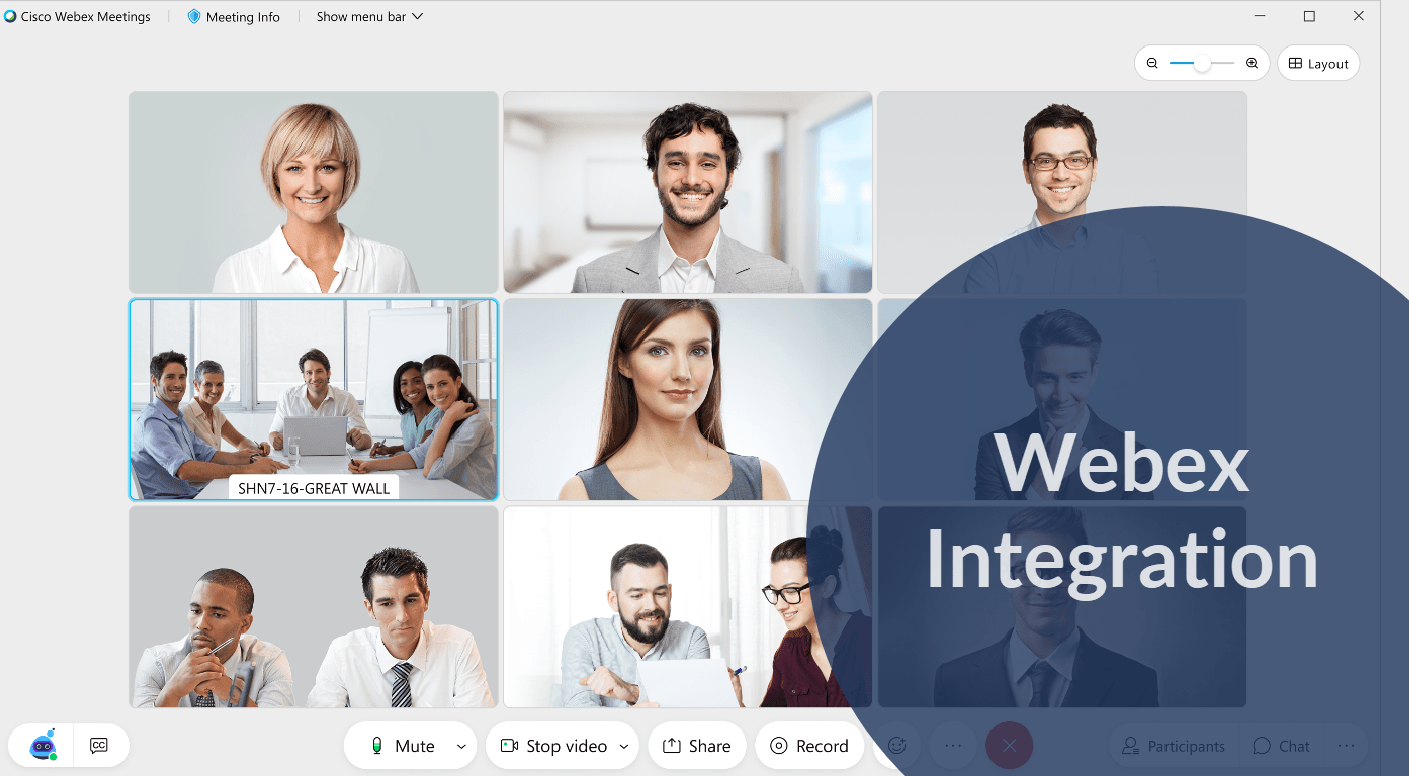
Webex is built into Bookafy. You do not need Zapier, and you do not need to paste meeting links by hand.
If you landed here looking for a Zap that connects Bookafy to Webex, you can stop looking. Webex is one of the four video tools Bookafy generates meeting links for natively, alongside Zoom, Microsoft Teams and GoToMeeting. Connect your Webex account once, mark an appointment type as a video meeting, and every booking after that gets its own Webex link automatically — in the confirmation email, in the text reminder, and on the calendar invite.
That is the whole integration. It is genuinely simple, and this page would be dishonest if it padded it out. So instead, the rest of this page covers the two things people actually get wrong: what the integration does not do, and how to choose between Webex and the other three when your company technically has all of them.
What happens when someone books
A client picks a time on your Bookafy booking page. From there, with no further action from you:
- Bookafy creates the Webex meeting and pulls back a unique join link for that specific appointment.
- The link goes into the confirmation email to the customer, and into your own copy.
- The link goes into the SMS reminder, which is included in Bookafy rather than metered separately.
- The appointment syncs two-way to your Google, Outlook, Exchange or iCloud calendar, so the meeting is on the calendar you actually look at.
The link is per-appointment, not a single reusable personal room. That matters more than it sounds: if you send everyone your permanent Webex personal room URL, your 10am client can walk into the tail end of your 9:30am. A per-booking meeting avoids that.
Turning it on
- In Bookafy, open your integration settings and connect your Webex account. You authorise Bookafy against Webex once.
- Open the appointment type you want to hold over video and set its location to the Webex meeting option.
- Book a test appointment against yourself and open the confirmation email. If the Webex link is in it, you are done.
Do the test booking. It takes thirty seconds and it is the only way to find out that you connected the wrong Webex account before a real customer does.
What this integration does not do
This is where most integration pages go quiet. Ours will not.
| What people expect | What actually happens |
|---|---|
| Webex Webinars or Events with registration | Not supported. Bookafy creates a standard Webex meeting. If you are running a 200-person registration webinar, use Webex’s own registration flow — a one-to-one booking tool is the wrong shape for it. |
| Recordings pulled back into Bookafy | No. Recordings live in Webex. Bookafy does not fetch them, store them or attach them to the customer record. |
| Attendance / did-they-show data flowing back | No. Bookafy does not know whether anyone actually joined. No-show tracking is something you mark in Bookafy, not something Webex tells it. |
| A different Webex host per staff member | Each staff member connects their own account and gets links generated under it. If your team shares one Webex licence, they share one host — and two simultaneous bookings will collide. |
| Cancelling in Bookafy kills the Webex meeting | Treat this as something to verify with a test cancellation before you rely on it. A dead Webex link is harmless; a live one that your client rejoins is a nuisance. |
Webex, Zoom, Teams or GoToMeeting — which one
Bookafy treats all four the same way, so there is no Bookafy-side reason to prefer any of them. The honest answer is: pick whichever your organisation already pays for and already trains people on. Adding a fifth video tool to a company that has four is a self-inflicted wound.
| Choose | When |
|---|---|
| Webex | You are in a large enterprise, healthcare system, university or government body that has standardised on Cisco. Your IT department has already made this decision and you should not fight it. |
| Microsoft Teams | You live in Microsoft 365 all day. See Bookafy + Microsoft 365. |
| Zoom | Your clients are external and consumer-ish, and you want the lowest-friction join for someone who has never used your tool. See Bookafy + Zoom. |
| GoToMeeting | It is what you already have and it works. Nothing here is a reason to switch. |
The one thing that would genuinely be a reason to pick Webex over the others: your compliance or procurement team requires it. In regulated environments that is not a preference, it is a constraint, and it is worth knowing that using Webex does not cost you the scheduling automation.
If you want Webex bookings to land somewhere else too
Native Webex handles the meeting. It does not handle your CRM, your billing or your project tracker. For that, Bookafy exposes triggers through Zapier — and here you should know the real shape of it before you build.
Bookafy’s Zapier triggers are New Appointment, New Customer, New Appointment Type and New User. The actions are Create Appointment and Create Customer. On Zapier’s free plan, triggers are polled roughly every 15 minutes, so nothing is instant.
The limitation that catches people: there is no cancellation or reschedule trigger in Zapier. A Zap that fires on New Appointment will happily create a follow-up task, a CRM deal or an invoice for a meeting that the client cancelled an hour later, and Zapier will never tell it otherwise. If cancellations matter to your workflow — and for anything touching money they do — use Bookafy’s webhooks or API rather than Zapier, so you are reacting to the real state of the booking instead of a snapshot taken when it was created.
Questions people actually ask
Do I need Zapier to use Webex with Bookafy?
No. Webex is a native integration. Bookafy generates the Webex meeting link itself and puts it in the confirmation email and the text reminder. Zapier is only for sending booking data to other apps.
Does each booking get its own Webex link?
Yes. Bookafy creates a meeting per appointment rather than reusing a personal room, so back-to-back clients do not end up in each other’s calls.
Does the Webex link go into SMS reminders as well as email?
Yes. Text reminders are included in Bookafy rather than charged as an add-on, and the meeting link travels with them. Text reminders are the single most effective thing you can do about no-shows.
Can I use Webex for some appointment types and in-person for others?
Yes. The video location is set per appointment type, so a consultation can be a Webex meeting while a site visit is a physical address.
Does Bookafy support Webex Webinars or Events?
No. Bookafy creates standard Webex meetings. Registration-based webinars are a different product and should be run in Webex directly.
What happens if I disconnect my Webex account?
New bookings stop getting Webex links. Existing appointments keep the links that were already generated, because those meetings already exist in Webex.
Is there a free trial?
Yes — 7 days, no credit card. Start a free trial and test a Webex booking against yourself before you point a single customer at it.
Put a Webex link on every booking
Connect Webex once and stop pasting meeting links into emails for the rest of your working life. Start free trial — no credit card required.
Other Bookafy integrations
- Bookafy + Google Calendar
- Bookafy + Microsoft 365 & Teams
- Bookafy + Zoom
- Bookafy + Stripe
- Bookafy + PayPal
- Bookafy + Salesforce
- Bookafy + Salesforce Marketing Cloud
- Bookafy + HubSpot
- Bookafy + Zoho
- Bookafy + Pipedrive
- Bookafy + Mailchimp
- Bookafy + ActiveCampaign
- Bookafy + Intercom
- Bookafy + QuickBooks Online
- Bookafy + Twilio
- Bookafy + Trello
- Bookafy + Asana
- Bookafy + Shopify
Keep reading
If you’re weighing up appointment scheduling software, these go deeper: