

In today's digital-first world, your appointment booking page is often the first real interaction between your brand and your clients. It's more than just a calendar—it's a handshake, a welcome mat, and a promise of professionalism all rolled into one. But how do you ensure your booking page stands out, works seamlessly, and actually drives conversions? At Bookafy, we've walked countless clients through this process. That's why we've put to gether this comprehensive checklist for creating a custom appointment booking page that wows your audience and streamlines your workflow.
Define Your Booking Objectives
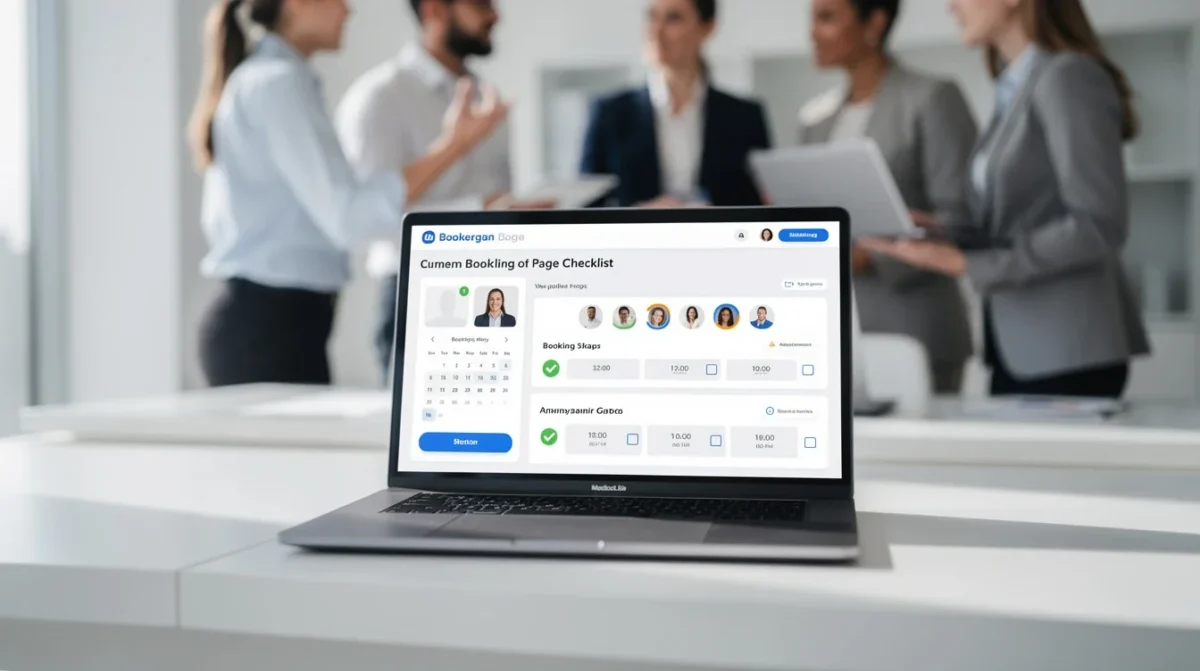
Before you even start tinkering with layouts or colors, it's crucial to know what you want your booking page to achieve. Are you aiming to reduce back-and-forth emails? Do you want to gather specific information from clients before appointments? Or maybe you want to showcase your team’s availability in a way that feels personal and trustworthy?
Clarity of purpose will dictate everything else—from the fields you include to the integrations you need. For example, if your goal is to minimize no-shows, you might prioritize automated reminders. If you want to encourage group bookings, you'll need options for multi-person scheduling.
Pro tip: Write down your top three goals for your booking page and keep them visible throughout the build process. This keeps every decision focused and intentional.
Craft a User-Friendly Experience
No one likes a clunky, confusing booking process. Your clients are busy and expect simplicity. The best appointment booking pages are intuitive, clean, and fast. Start by mapping out the steps your client will take: selecting a service, choosing a time, entering details, and confirming the booking. Each step should be obvious and frictionless.
Think carefully about the information you ask for. Only request what's truly necessary for the appointment. Too many fields can turn people off and increase abandonment rates. If you need extra details (like dietary preferences or meeting agendas), make them optional when possible.
Navigation matters, too. Use clear labels, logical flow, and minimize distractions. A well-designed calendar interface, easy-to-read time slots, and a simple confirmation process can dramatically increase completion rates.
Pro tip: Test your booking page yourself—and on different devices. If you stumble or get confused at any point, your clients will too.
Personalize the Branding and Messaging
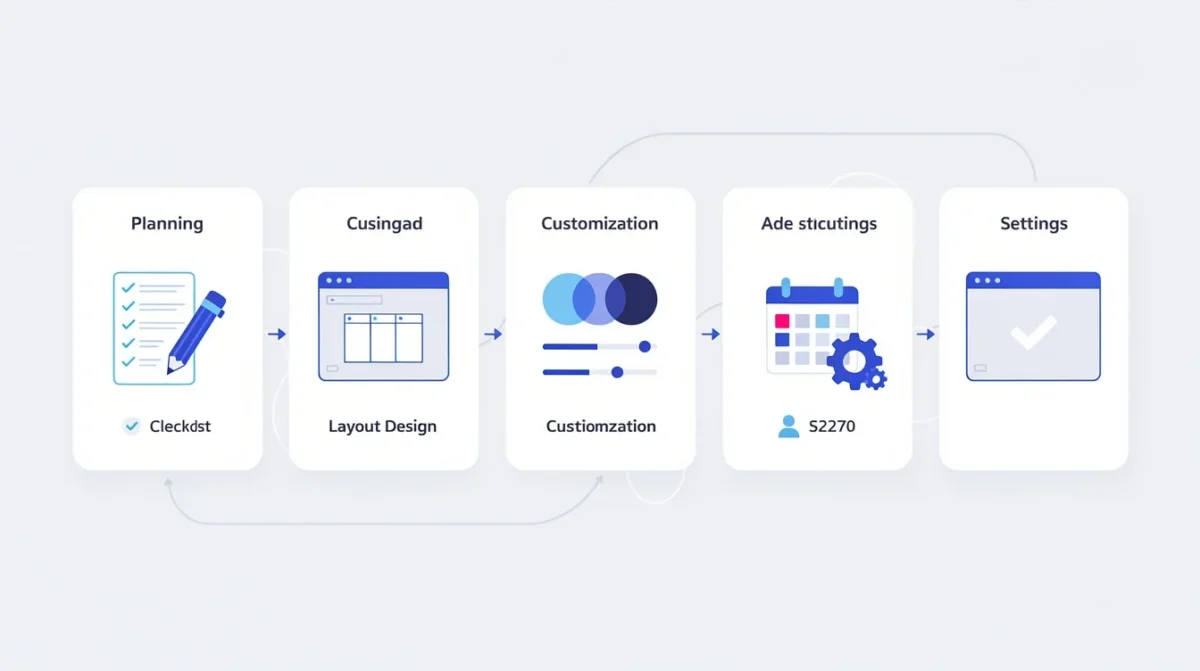
Your booking page should feel like a natural extension of your brand. This is where customization pays off. Start with visual branding: use your logo, brand colors, and fonts. This builds trust and reassures clients they’re in the right place. But don’t stop there.
Personalized messaging goes a long way. Customize the welcome message, instructions, and confirmation notes to match your brand’s voice. If you’re a law firm, you might use formal language. If you’re a fitness coach, a friendly, energetic tone works better. Even the error messages and reminders should reflect your personality.
Custom confirmation and reminder emails are part of this branding journey. Make sure they reinforce your brand and set clear expectations about next steps.
Pro tip: Add a short video or welcome note to your booking page. A quick hello from your team can humanize the process and boost conversions.
Integrate Essential Tools and Features
An effective appointment booking page doesn’t exist in isolation. It should connect seamlessly with the rest of your workflow. Start by considering your calendar integrations. Syncing with Google Calendar, Outlook, or other tools prevents double-bookings and keeps your schedule in sync.
Payment integration is another game-changer. If you charge for appointments, integrating payment gateways lets clients pay upfront, reducing no-shows and streamlining your accounting. Look for the ability to accept credit cards, digital wallets, or other preferred payment methods.
Automated reminders and notifications are must-haves. These can be via email, SMS, or even WhatsApp, depending on your clientele. Reminders drastically reduce no-shows and keep everyone on the same page.
Don’t forget about data collection and CRM integration. Collecting client information and pushing it to your CRM (like Salesforce or HubSpot) can save you hours and keep your records accurate.
Pro tip: Take advantage of Bookafy’s integrations to connect your booking page with your favorite business tools—saving time and reducing manual work.
Optimize for Mobile and Accessibility
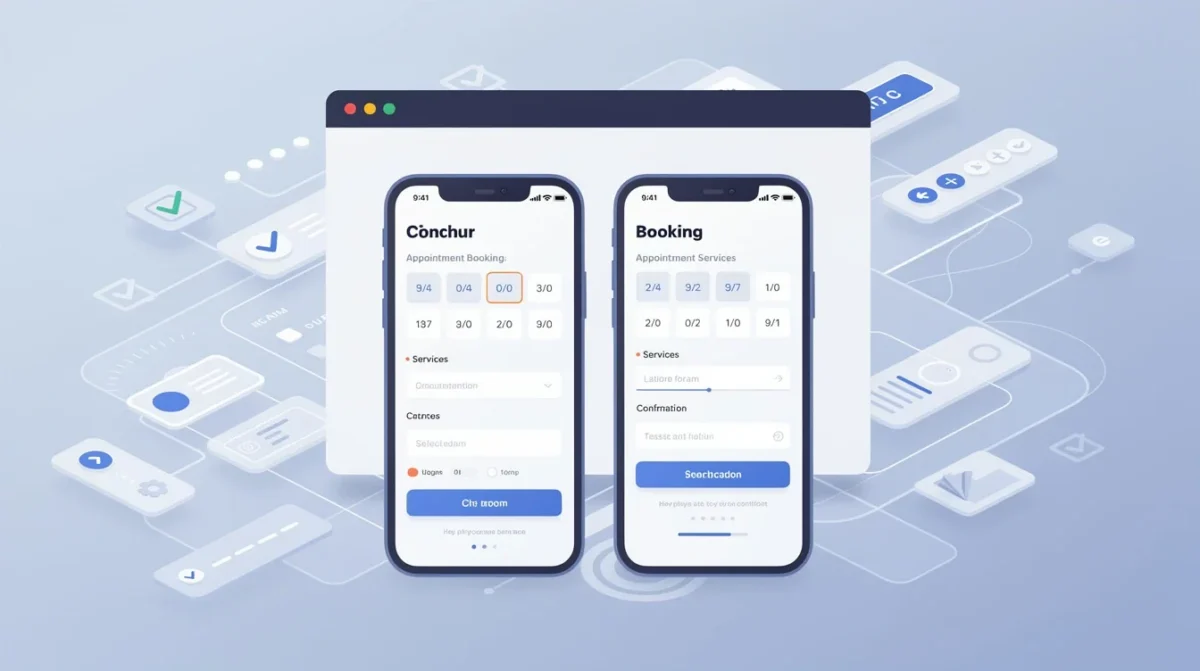
More people than ever book appointments from their phones or tablets. If your booking page isn’t mobile-friendly, you’re leaving money on the table. Responsive design ensures your page looks and works great on any device. Test every button, field, and dropdown for mobile usability.
Accessibility is just as important. Your booking page should be usable by everyone, including those with disabilities. This means using high-contrast colors, readable fonts, and proper labels for screen readers. Accessible design isn’t just the right thing to do—it also expands your potential client base and demonstrates your commitment to inclusivity.
Speed matters, too. Slow-loading pages drive people away. Optimize images, streamline code, and minimize unnecessary scripts to keep your page lightning-fast.
Pro tip: Use free online tools to audit your booking page’s accessibility and mobile performance—you might be surprised by what you find.
Test, Analyze, and Continuously Improve
No booking page is perfect on the first try. Continuous improvement is the secret ingredient to long-term success. Start by testing your page with real users—friends, family, or trusted clients. Gather honest feedback about what works and what doesn’t.
Use analytics to track key metrics: how many people start the booking process, where they drop off, and how many complete their bookings. Tools like Google Analytics or built-in reporting features can highlight bottlenecks and opportunities.
Don’t be afraid to experiment. Try tweaking your messaging, changing the order of steps, or simplifying the process. Even small changes can have big impacts on conversion rates.
Ultimately, your booking page should evolve as your business grows. Stay alert to client feedback and industry trends, and be ready to adapt quickly.
Pro tip: Set a regular schedule (monthly or quarterly) to review your booking page’s performance and make updates. Consistent attention ensures it keeps working for you—not against you.
Conclusion
A custom appointment booking page is more than just a form—it’s a vital piece of your client experience ecosystem. By defining your objectives, focusing on user experience, personalizing your branding, integrating essential tools, and continuously optimizing, you’ll create a booking process that delights clients and drives results. With Bookafy’s robust features and intuitive design, you’re already one step ahead. Take this checklist, put it into action, and watch your business benefit from a seamless, professional, and custom-tailored booking experience.
Try Bookafy free
Put online booking, automatic reminders, and calendar sync to work for your business. Free to start — no credit card required.
Start your free trial See how it works →Frequently asked questions
What is the best appointment scheduling software for a small business?
Bookafy is appointment scheduling software built for small businesses: clients book online 24/7, automatic text and email reminders cut no-shows, and your calendars stay in sync — at a friendly per-user price.
Does Bookafy reduce no-shows?
Yes. Bookafy sends automatic text and email reminders before every appointment, which is one of the most effective ways to reduce no-shows.
Can clients book online 24/7 with Bookafy?
Yes. Bookafy gives you a booking page and embeddable widget so clients can self-schedule any time, from your website, Google, or a shared link.
How much does Bookafy cost?
Bookafy is a simple monthly subscription with a free trial and no credit card required. See the pricing page for current plans.
Related: Appointment scheduling software · Why Bookafy · Pricing
Save time with automated scheduling
Bookafy handles online booking, reminders, and calendar sync so you can focus on the work.
Try Bookafy free
Bookafy — online appointment scheduling for growing businesses.