# White Label Appointment Booking Solution: A Complete Guide for Agencies, SaaS Platforms, and Service Brands
In a world where customer expectations are shaped by seamless digital experiences, offering a professional, branded scheduling system is no longer optional. Whether you’re an agency, SaaS platform, or service-based business, a **white label appointment booking solution** can help you deliver that experience without building complex software from scratch.
This guide explains what white label scheduling is, why it matters, and how to choose and implement the right solution—using Bookafy as a reference for what a modern, scalable platform should provide.
—
## What Is a White Label Appointment Booking Solution?
A **white label appointment booking solution** is a scheduling platform built by one provider and rebranded by another business as its own product or service. You use the underlying technology, but your customers see *your* logo, color palette, domain, and messaging.
Instead of redirecting users to a third-party booking page, a white label solution lets you:
– Embed booking flows directly into your website or app
– Use your own domain or subdomain (e.g., `bookings.yourbrand.com`)
– Customize the design, content, and user experience
– Optionally resell or bundle the solution as part of your own offering
In short, it gives you the power of a mature scheduling platform while maintaining full brand control.
—
## Who Benefits Most from White Label Scheduling?
### 1. Digital Agencies and Consultants
Agencies that build websites or manage digital transformations can use a **white label appointment booking solution** to add recurring revenue and increase client stickiness.
Use cases include:
– Offering booking pages as an add-on to website projects
– Bundling ongoing scheduling management into retainers
– Creating industry-specific scheduling packages (e.g., for clinics, financial advisors, salons)
### 2. SaaS Platforms and Marketplaces
SaaS providers serving professionals (e.g., CRMs, practice management systems, marketplaces) often need embedded scheduling. Building it internally is costly and time-consuming. A white label option lets you:
– Introduce scheduling as a native feature in your app
– Connect bookings to user accounts, CRM data, or billing
– Stay focused on your core product while leveraging proven booking technology
### 3. Multi-Location and Franchise Brands
Organizations with multiple locations or franchisees benefit from centralized, branded scheduling. A white label solution allows you to:
– Maintain consistent branding across all locations
– Give each franchise or branch its own calendar and rules
– Report on performance across the entire network
### 4. Professional Service Providers
From coaches and consultants to legal and financial professionals, service providers can use white label booking to:
– Reinforce a premium, professional brand experience
– Reduce back-and-forth emails to schedule meetings
– Offer 24/7 self-service booking to clients worldwide
—
## Why a White Label Appointment Booking Solution Matters
### Strengthen Brand Trust and Consistency
Sending customers to an off-brand, third-party booking page can weaken trust. A white label solution keeps your visual identity, tone, and domain front and center.
**Brand advantages include:**
– Seamless transition from your website or app to the booking flow
– Consistent fonts, colors, and design elements
– Branded email and SMS reminders that feel like direct communication from your business
### Launch Faster and Reduce Development Costs
Building a robust scheduling system from scratch is complex. You need:
– Calendar sync with Google, Outlook, iCloud, etc.
– Time zone management
– Recurring appointments and group events
– Payment processing and reminders
– Admin tools, analytics, and user management
A white label solution such as **Bookafy** delivers all of this out of the box, so you can:
– Avoid large upfront development costs
– Reduce maintenance and security overhead
– Launch a polished product in days or weeks, not months
### Increase Revenue and Lifetime Value
If you’re an agency or platform, a **white label appointment booking solution** can become a direct revenue stream.
Common monetization strategies:
– Packaging scheduling as a premium feature
– Charging per location, staff member, or calendar
– Offering differentiated plans (basic vs. advanced booking features)
For service brands, better scheduling converts to higher revenue by:
– Reducing no-shows with reminders and confirmations
– Filling gaps in your calendar with automated booking
– Allowing clients to book 24/7, even outside business hours
### Improve Operational Efficiency
Manual scheduling is time-consuming and error-prone. A white label solution automates:
– Appointment creation and updates
– Notifications via email and SMS
– Time zone detection and calendar sync
This frees your team to focus on delivering services instead of managing calendars.
—
## Key Features to Look For in a White Label Appointment Booking Solution
Not all scheduling tools are built for white label use. When evaluating options, prioritize these capabilities.
### 1. Deep Branding and UI Customization
A true white label solution should allow you to:
– Use your own logo, fonts, and brand colors
– Customize booking forms and confirmation pages
– Serve booking pages on your own domain or subdomain
**Bookafy example:** You can fully brand customer-facing pages, embed widgets on your site, and configure a custom domain so your clients never see Bookafy’s branding.
### 2. Flexible Scheduling Logic
The system should accommodate a wide range of scheduling rules, including:
– One-on-one appointments
– Group bookings and classes
– Round-robin or pooled availability across a team
– Buffers, lead times, and appointment limits
This flexibility ensures you can support different industries and use cases under your white label brand.
### 3. Calendar and Tool Integrations
Modern workflows span multiple tools. Look for:
– Two-way sync with Google, Microsoft 365, Outlook, and iCloud
– Integration with CRM and helpdesk platforms
– Video conferencing integrations (e.g., Zoom, Microsoft Teams, Google Meet)
**Tip:** If you plan to integrate booking into your software, ensure the provider offers a robust API and webhooks.
### 4. Payment and Invoicing Support
For service-based businesses that charge per appointment, it’s essential to:
– Collect payments at the time of booking
– Support multiple currencies
– Integrate with payment gateways like Stripe, PayPal, or Square
This reduces no-shows and improves cash flow.
### 5. Automated Notifications and Reminders
Look for configurable, branded communication:
– Confirmation emails and SMS
– Reminder sequences (e.g., 24 hours and 1 hour before)
– Follow-up messages or feedback requests
With Bookafy, these notifications can be customized to reflect your tone and branding.
### 6. Multi-User and Multi-Location Management
If you serve teams, franchises, or multiple departments, you’ll need:
– Role-based access control (admins, managers, staff)
– Separate calendars and availability for each user or location
– Centralized reporting across all accounts
This is especially important for agencies reselling a white label booking solution to multiple clients.
### 7. Security, Compliance, and Reliability
Professional clients expect enterprise-grade security. Confirm that your solution offers:
– Encryption in transit (HTTPS/SSL)
– Secure data storage and backups
– Compliance with GDPR and other relevant standards
– High uptime and reliable infrastructure
—
## How to Implement a White Label Appointment Booking Solution
Implementing a white label scheduler is more than just turning on a feature. To maximize impact, follow a structured rollout.
### Step 1: Define Your Use Cases and Audience
Before choosing or configuring a solution, clarify:
– Who will use the scheduling system (internal teams, clients, partners)
– Types of appointments offered (consultations, demos, services, classes)
– Payment and cancellation policies
– Integrations you’ll need with your existing tools
**Actionable tip:** Create 2–3 core booking scenarios and design your workflows around them. This will simplify your setup and onboarding.
### Step 2: Configure Branding and Domain
Once you’ve selected a platform like **Bookafy**:
1. Upload your logo and set your color palette.
2. Customize typography and button styles to match your brand guidelines.
3. Configure a custom domain or subdomain (e.g., `appointments.yourdomain.com`).
4. Update email templates and SMS messages with your brand voice and signature.
### Step 3: Set Up Services, Teams, and Availability
Next, define what you’re offering and who will deliver it:
– Create service categories (e.g., “Initial Consultation”, “Follow-up Session”, “Onboarding Call”).
– Assign services to specific staff, teams, or locations.
– Configure working hours, time zones, buffers, and scheduling rules.
**Tip:** Use test bookings to ensure availability, time zones, and buffers behave as expected before going live.
### Step 4: Integrate with Your Stack
To deliver a seamless experience, connect your white label appointment booking solution to:
– Calendar tools (Google, Outlook, Microsoft 365)
– CRM or marketing automation platforms
– Video conferencing and payment systems
If you’re a SaaS or agency embedding the solution, work with your development team to:
– Use APIs to sync user data and bookings
– Trigger custom workflows based on new or updated appointments
– Surface booking data in your existing dashboards or reporting tools
### Step 5: Launch, Educate, and Promote
A successful rollout requires clear communication.
– Update your website with a prominent “Book Now” or “Schedule a Call” button.
– Send an announcement to customers explaining the new self-service booking option.
– Train internal staff or client teams on how to manage calendars and appointments.
**Actionable tip:** Create a short internal SOP or video walkthrough for your team or clients. This speeds adoption and reduces support requests.
### Step 6: Monitor, Optimize, and Scale
Once live, track performance and iterate:
– Monitor booking volume, show-up rates, and cancellations
– Adjust reminders and follow-up sequences to reduce no-shows
– Refine appointment types and availability based on demand
Over time, you can roll out new features—such as group events, webinars, or paid consultations—under the same white label brand.
—
## Why Consider Bookafy as Your White Label Appointment Booking Solution?
While there are many scheduling tools on the market, **Bookafy** is built with white label and partnership use cases in mind.
### Core Advantages of Bookafy for White Label Use
– **Full branding control**: Replace Bookafy branding with your own logo, colors, and domain, so clients experience a fully branded interface.
– **Flexible scheduling options**: Support one-on-one, group, multi-staff, and round-robin bookings with advanced controls over availability and rules.
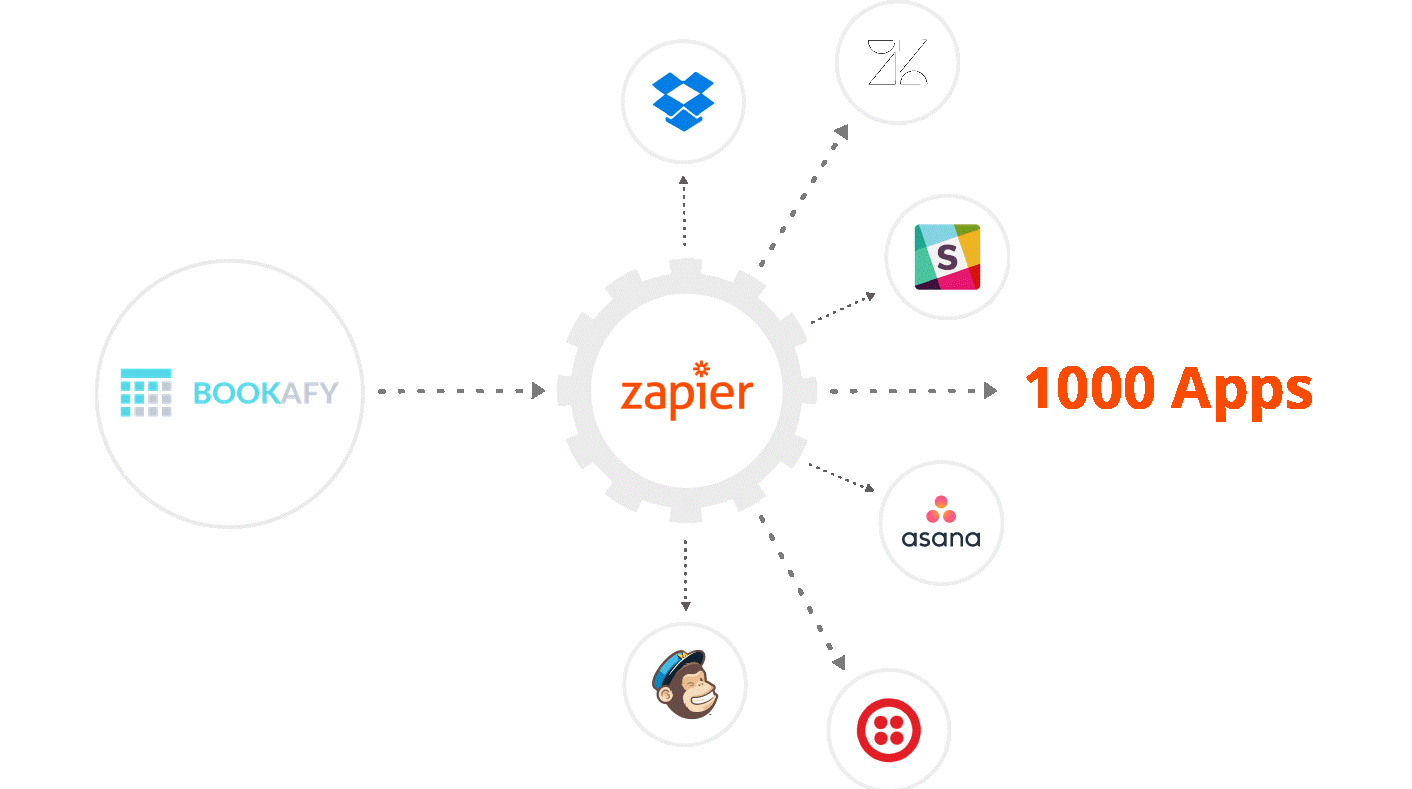
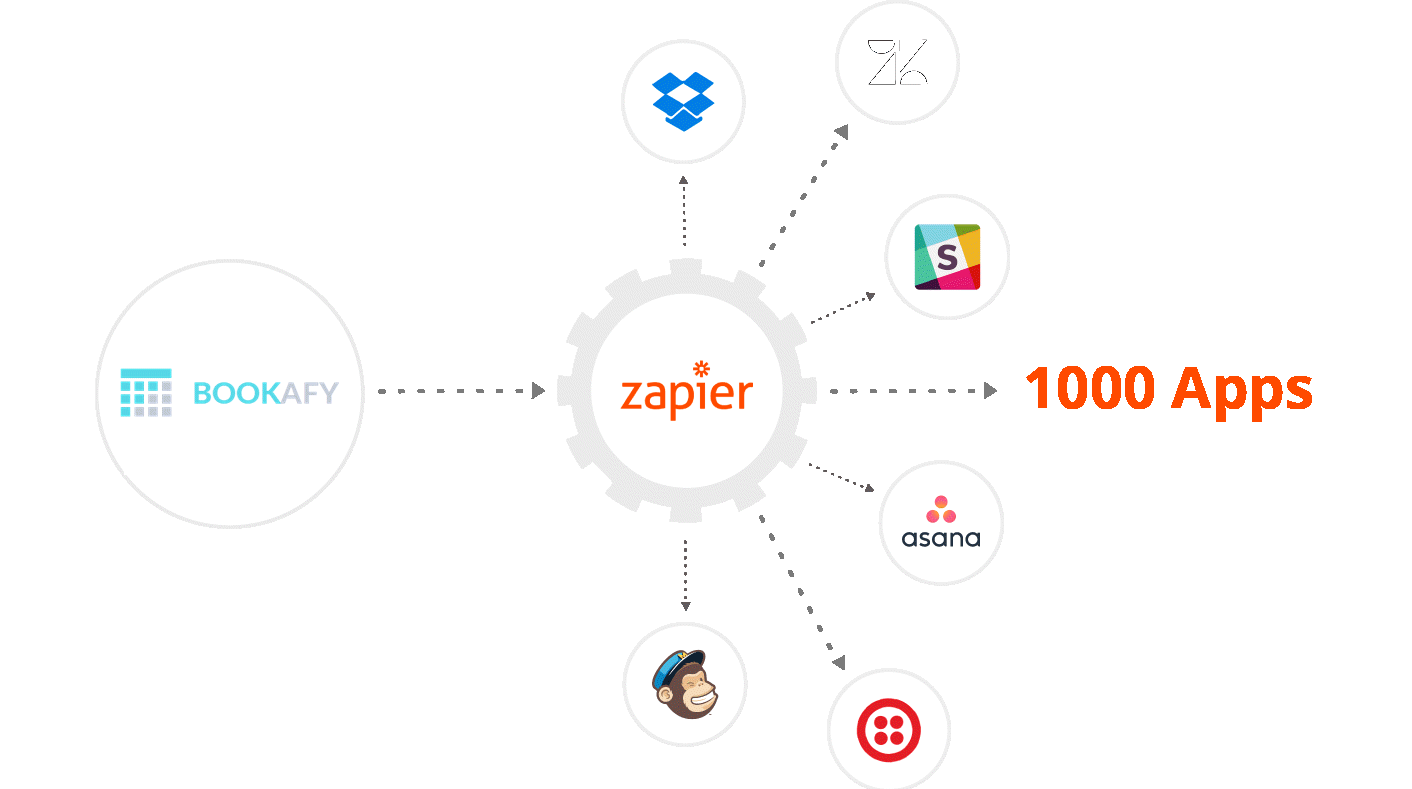
– **Robust integrations**: Connect to major calendar systems, video platforms, and business tools. Use APIs to embed and extend functionality within your own products.
– **Scalable architecture**: Designed to support agencies, multi-location organizations, and SaaS platforms with many users and locations.
– **Global-ready**: Handle multiple time zones and languages, making it suitable for international teams and customers.
### Ideal Scenarios for Using Bookafy
– Agencies that want to offer scheduling as a branded service to clients
– SaaS platforms adding native booking capabilities without building from scratch
– Enterprises and franchises centralizing appointment management under one brand
– Professional service providers that need a polished, customizable booking experience
To explore whether Bookafy fits your use case, you can visit [Bookafy.com](https://bookafy.com) and review plans, features, and partnership options.
—
## Best Practices to Maximize the Value of Your White Label Booking Solution
To get more than just a functional scheduler, apply these best practices.
### Align Booking Flows with Your Customer Journey
Design booking pages that reflect where the user is in their journey:
– New prospects: Keep forms short and focused on booking a discovery call or demo.
– Existing customers: Offer more detailed options such as follow-up sessions, support calls, or account reviews.
### Use Automation to Enrich the Experience
Leverage automation beyond basic reminders:
– Trigger welcome emails or resource links after bookings
– Notify account managers when high-value customers schedule
– Start onboarding workflows in your CRM or project management tool
### Measure and Iterate
Regularly review metrics such as:
– Booking conversion rates from your website
– No-show and cancellation rates
– Utilization of your team’s time
Use this data to refine availability, appointment types, and communication cadence.
—
## Conclusion: Turning Scheduling into a Branded Advantage
A **white label appointment booking solution** transforms scheduling from a basic utility into a strategic asset. It lets you:
– Deliver a consistent, professional experience under your own brand
– Launch quickly and affordably, without reinventing complex functionality
– Increase revenue through reselling, premium features, or improved utilization
– Streamline operations with automation and integrated workflows
Whether you’re an agency, SaaS provider, or service-based business, solutions like **Bookafy** give you the tools to offer modern, branded scheduling at scale.
If you’re ready to elevate how your customers book with you—or to resell a powerful scheduler under your own brand—explore what’s possible at [Bookafy.com](https://bookafy.com) and start building a booking experience that truly reflects your business.