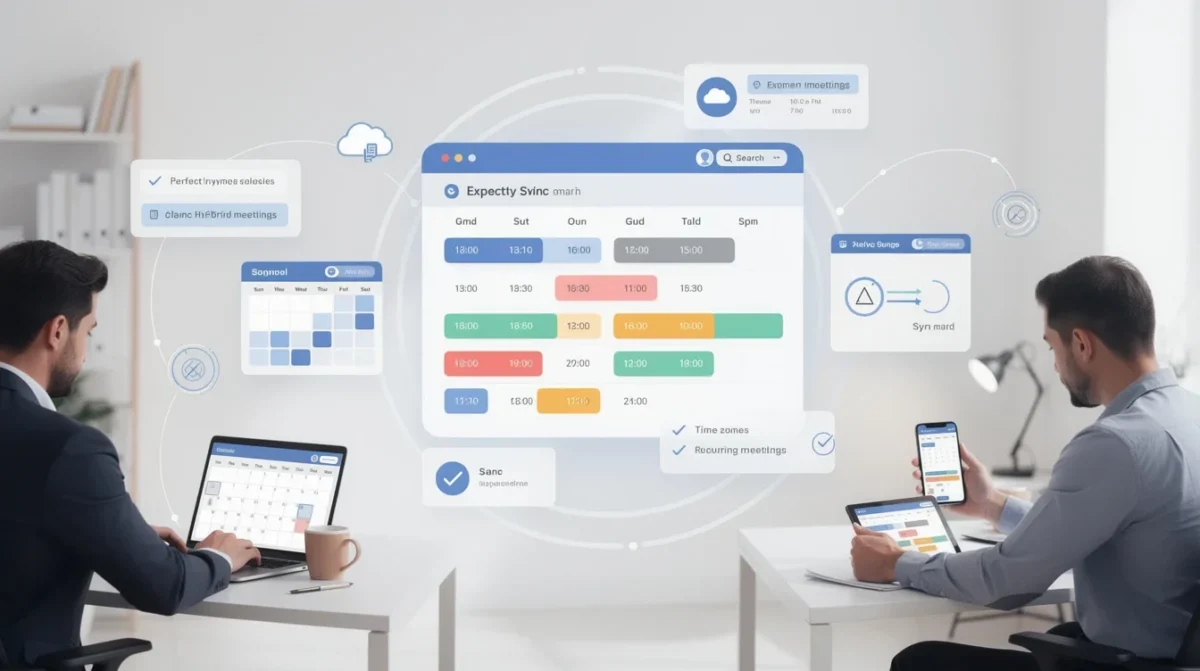
If you're managing a hybrid workforce, you already know the challenges of keeping everyone on the same page—literally and figuratively. Between remote days, in-office requirements, team meetings, and client appointments, calendar conflicts and confusion can quickly derail productivity. That’s why mastering calendar sync strategies isn’t just a nice-to-have—it’s essential. In this article, we’ll explore the most effective approaches to calendar syncing for hybrid scheduling, so you can keep your team connected, coordinated, and stress-free.
Understanding the Hybrid Workforce Challenge

Hybrid workforces blend in-office and remote work, offering flexibility but also introducing unique scheduling hurdles. With employees working from different locations and possibly different time zones, it’s easy for meetings to overlap, for double-bookings to occur, or for crucial updates to get lost. Traditional scheduling methods—like endless email threads or manual calendar entries—just can’t keep up.
The modern hybrid workplace needs agile, automated, and accessible calendar solutions. Syncing calendars across platforms and devices ensures everyone has a real-time view of availability, meetings, and shifts, no matter where they’re working from.
Pro tip: Make sure everyone on your team uses a unified calendar platform or connects their existing calendars to a central hub. This reduces the risk of missed updates or conflicting appointments.
Choosing the Right Calendar Tools
Not all calendar tools are created equal—especially when your team spans offices, homes, and perhaps even continents. The best calendar system for hybrid scheduling is one that integrates seamlessly with the tools your team already uses, from email to project management software. Look for platforms that offer:
- Real-time syncing across devices and operating systems
- Easy integration with major calendar providers like Google Calendar, Outlook, and Apple Calendar
- Scheduling links or booking pages to simplify appointment setting
Bookafy, for example, offers robust calendar sync features specifically designed for hybrid teams. With two-way syncing and automated notifications, you can ensure no one misses a beat—whether they’re booking a client call or scheduling a team huddle.
Pro tip: Test integrations with your team’s favorite tools before rolling them out organization-wide, to be sure everything works smoothly and intuitively.
Syncing Across Multiple Platforms
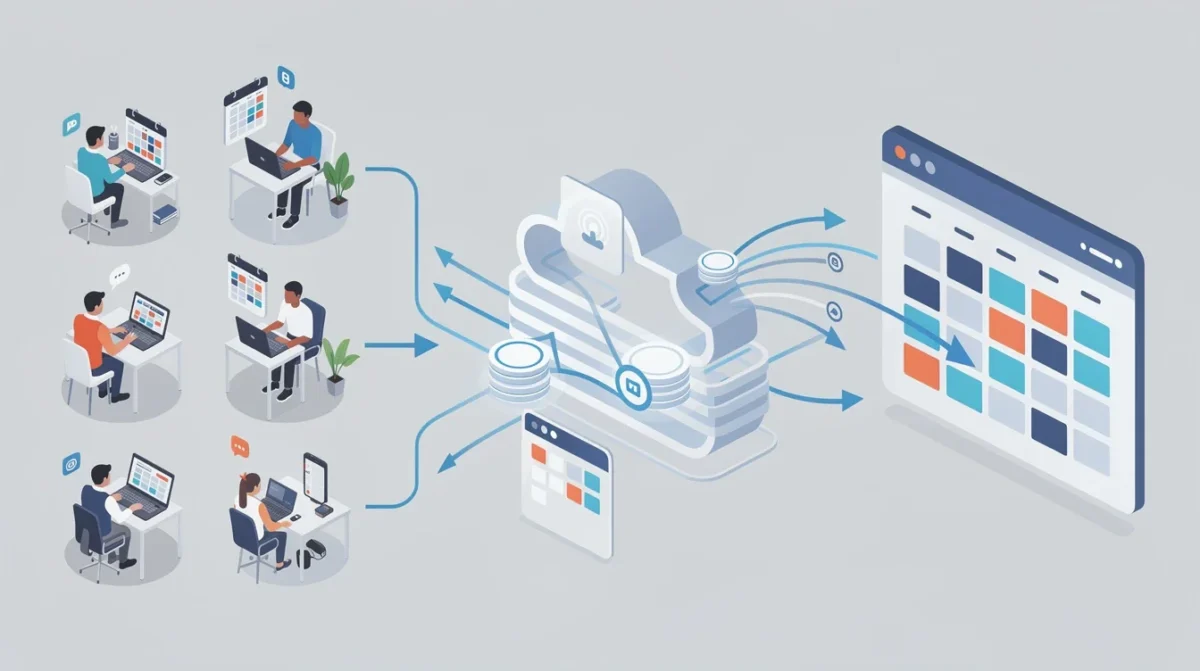
Hybrid teams often use a mix of digital tools—think Slack, Zoom, Trello, and more. The challenge is making sure your calendar system plays nicely with each one. That means syncing not just across devices, but across platforms, so meetings created in one app show up everywhere they need to.
Start by identifying the core platforms your team uses daily. Then, leverage calendar tools that offer built-in integrations or use APIs to bridge the gaps. For example, syncing your booking software with your video conferencing tool can automatically generate meeting links and add them to calendar invites, minimizing manual work and confusion.
Cross-platform syncing is also about managing permissions and privacy. Make sure team members can control what parts of their calendars are visible to others, especially if they’re managing both work and personal appointments in the same tool.
Pro tip: Encourage your team to use calendar color-coding or labels to easily distinguish between types of events—like remote days, in-office meetings, or personal commitments.
Managing Shifts and Availability
One of the trickiest parts of hybrid workforce scheduling is managing shifting availability. People may have designated office days, flexible hours, or rotating shifts. Without a clear, updated view of who’s working when and where, it’s easy for confusion to arise.
A strong calendar sync strategy should allow employees to set and update their availability in real time. This could mean blocking out focus hours, indicating remote or office days, or marking vacation time. Modern scheduling tools let you automate much of this process—so when someone updates their status, it’s reflected across the team’s shared calendar instantly.
For managers, having a synced calendar makes it much easier to schedule team meetings, coordinate project work, and avoid burnout by ensuring workloads are balanced.
Pro tip: Ask your team to update their availability at the start of each week. This small habit can prevent a lot of last-minute scheduling headaches.
Reducing Scheduling Conflicts
Nothing derails productivity like a double-booked meeting or missed appointment. The more complex your workforce’s schedule, the more vulnerable you are to these kinds of conflicts. Calendar syncing helps, but it’s only as effective as the rules and workflows you put in place.
Establish clear guidelines for booking meetings and blocking time. For example, use scheduling buffers between meetings, set “no meeting” blocks for deep work, and require booking requests for certain types of appointments. Automated scheduling software like Bookafy can help enforce these rules by showing only available slots and sending automatic reminders.
It’s also important to respect personal boundaries, especially in a hybrid setting where work and life can blur. Encourage your team to block off personal time and avoid scheduling outside of agreed-upon hours.
Pro tip: Use recurring events for regular meetings or check-ins, so they’re always on the calendar and can be planned around well in advance.
Streamlining Communication and Transparency
Calendar syncing isn’t just about logistics—it’s about trust and transparency. When everyone can see (at least in part) who’s available and when, it fosters better communication and collaboration. It also reduces the chances of someone feeling left out or overlooked, which can be especially important for remote team members.
Make it a habit to review the team calendar during regular meetings and encourage open discussion about availability, workload, and upcoming deadlines. If you’re using a shared calendar tool, set permissions thoughtfully so people can see what they need to, but personal privacy is still respected.
Remember, the goal is to make scheduling effortless and inclusive for everyone, regardless of where they’re working from.
Pro tip: Have a designated “calendar champion” on your team who keeps an eye on the shared calendar, flags potential conflicts, and helps onboard new members to your scheduling system.
Conclusion
Hybrid workforces thrive on flexibility, but that flexibility can quickly become chaos without the right calendar sync strategies. By choosing the right tools, syncing across platforms, managing availability, reducing conflicts, and fostering open communication, you’ll keep your team aligned and productive—no matter where they’re working from.
Adopting a robust calendar syncing strategy isn’t just about efficiency—it’s about building a workplace where everyone feels connected and empowered. With the right approach, your hybrid team can enjoy all the benefits of flexible work, minus the scheduling headaches.